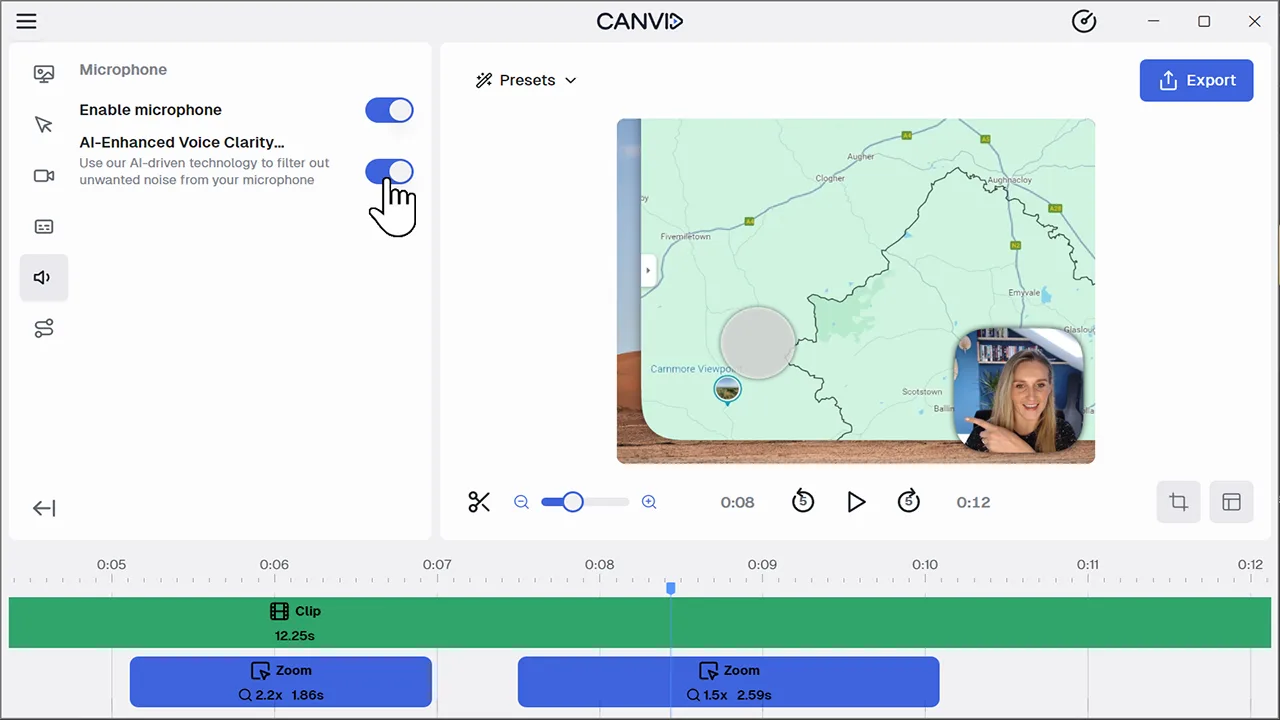
AI Voice ClarityToggle on AI Voice Clarity to remove background noise, echo, fan, or static from your microphone audio in real time.
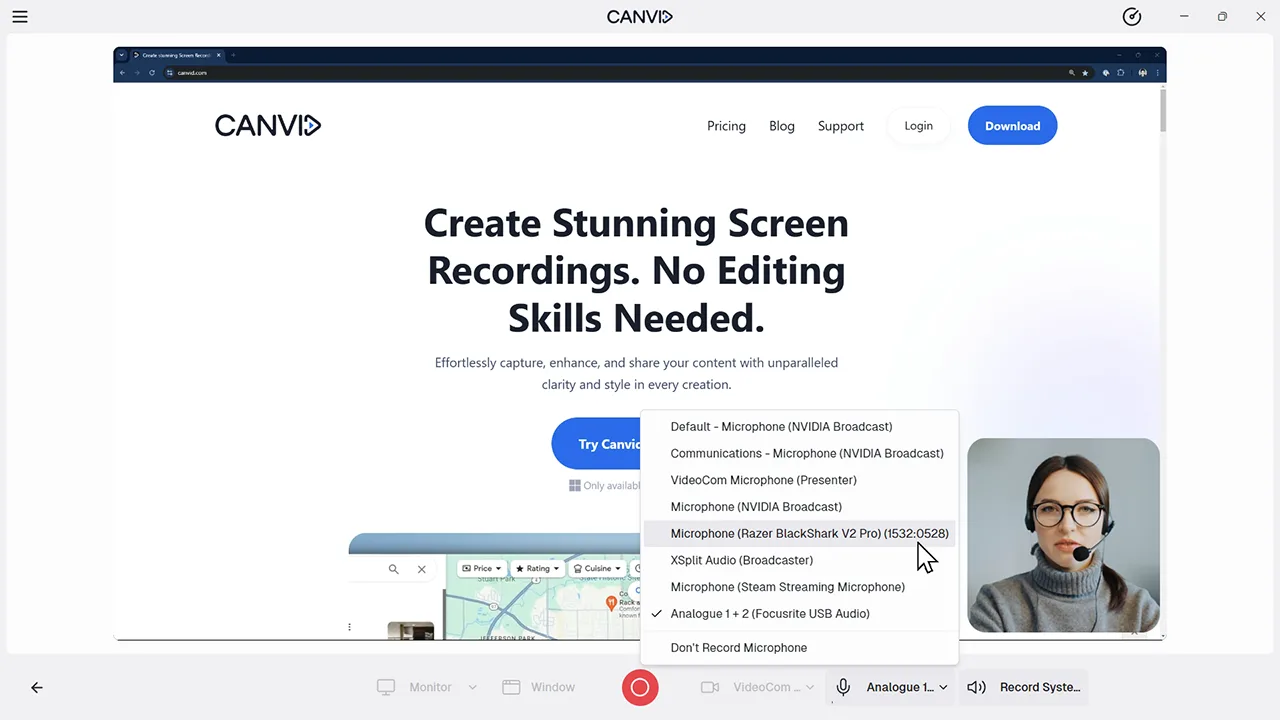
Audio CaptureCapture system and microphone audio together for screen recordings with professional-quality sound
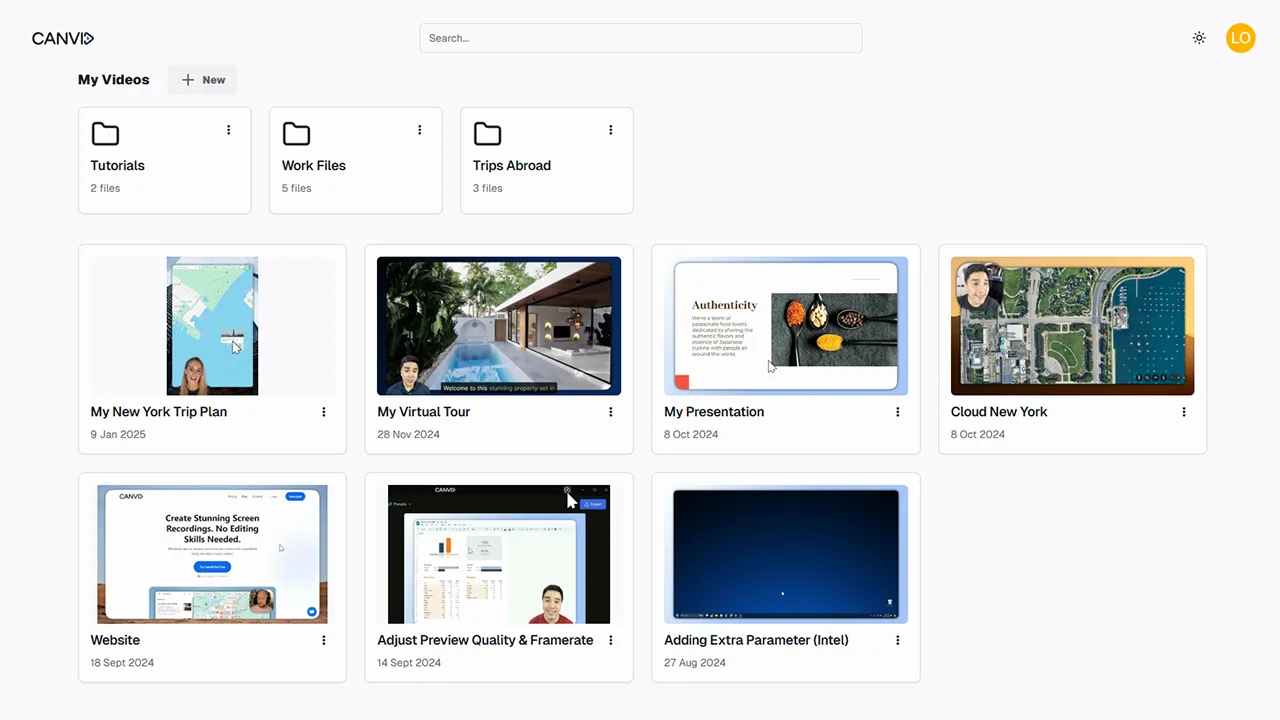
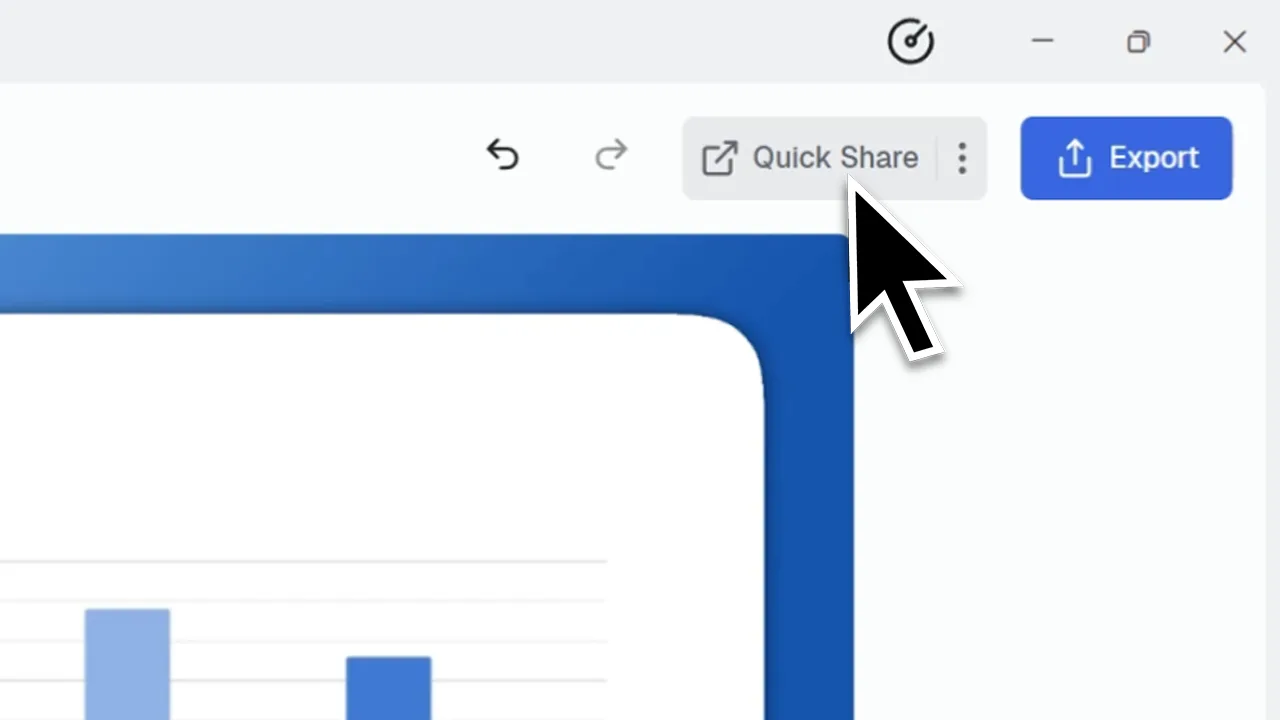
Cloud StorageSave and access your screen recordings in the cloud. Keep everything organized and instantly shareable without exporting files.
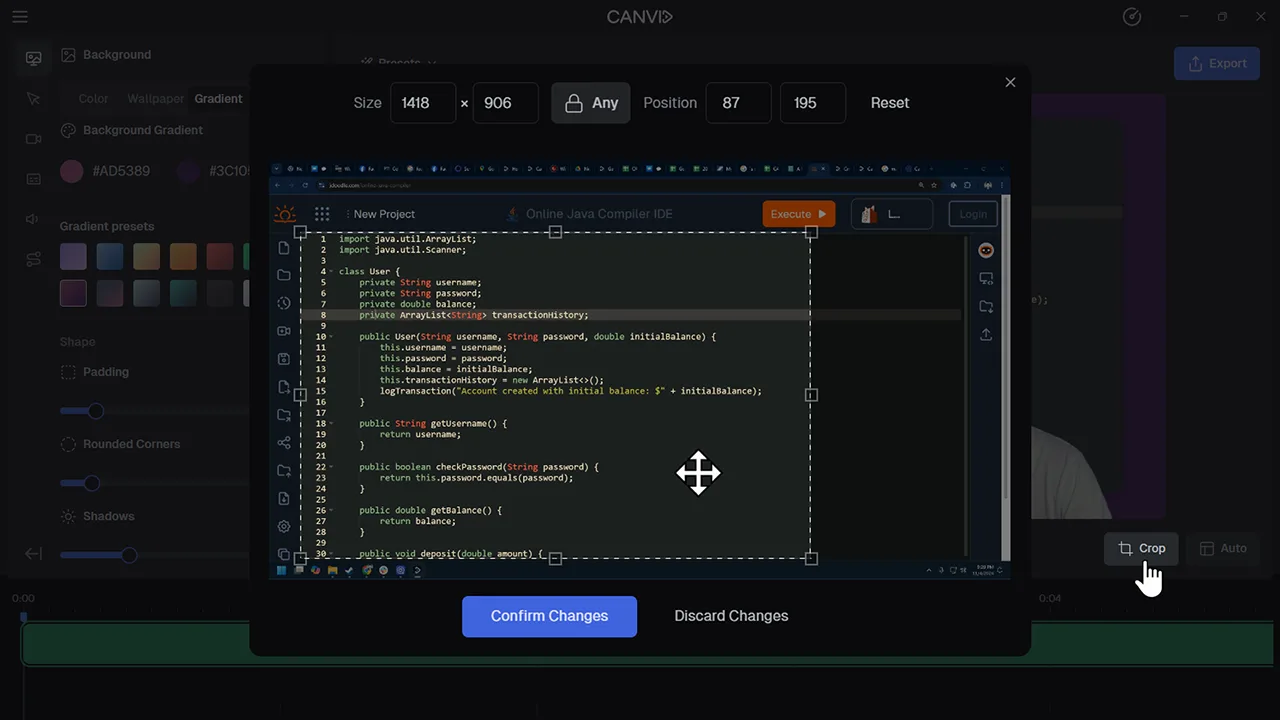
Crop It Just RightGet rid of anything distracting or just give your screen recording a tighter, more focused frame. Cropping in CANVID takes seconds.
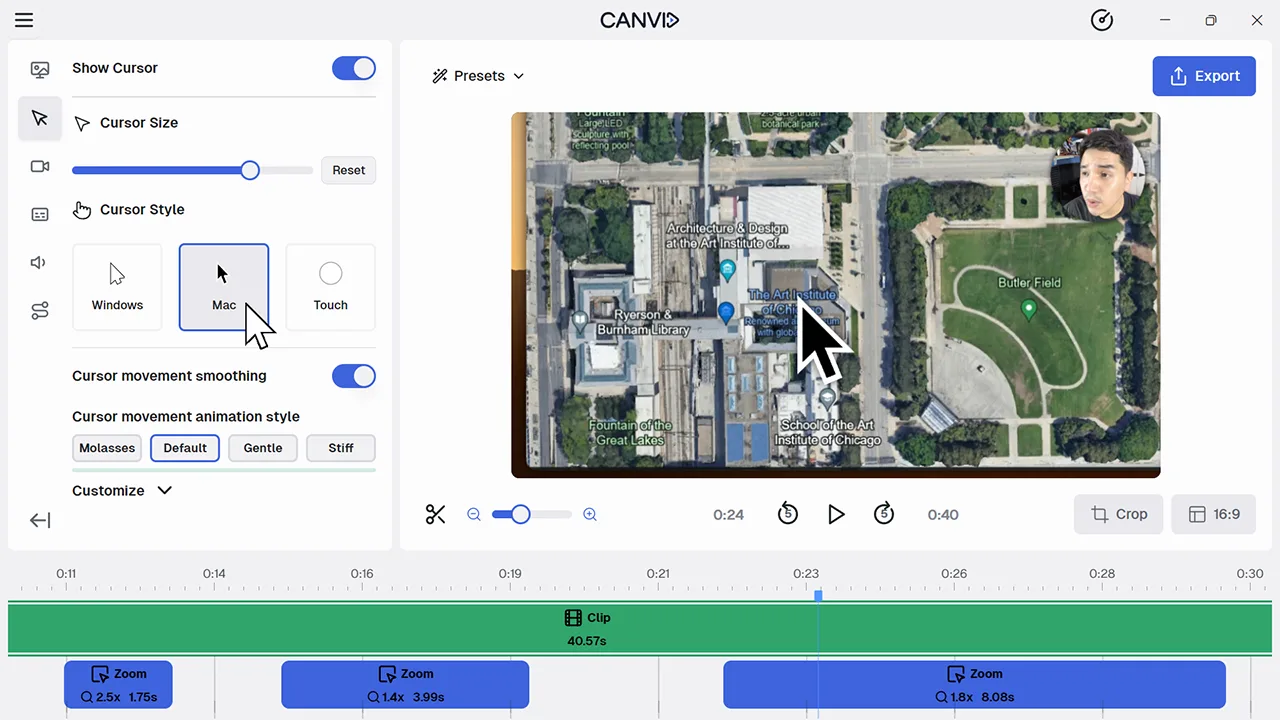
Cursor CustomizationMake your cursor stand out or blend in. Tailor size, style, smoothing, and animations directly in the editor.
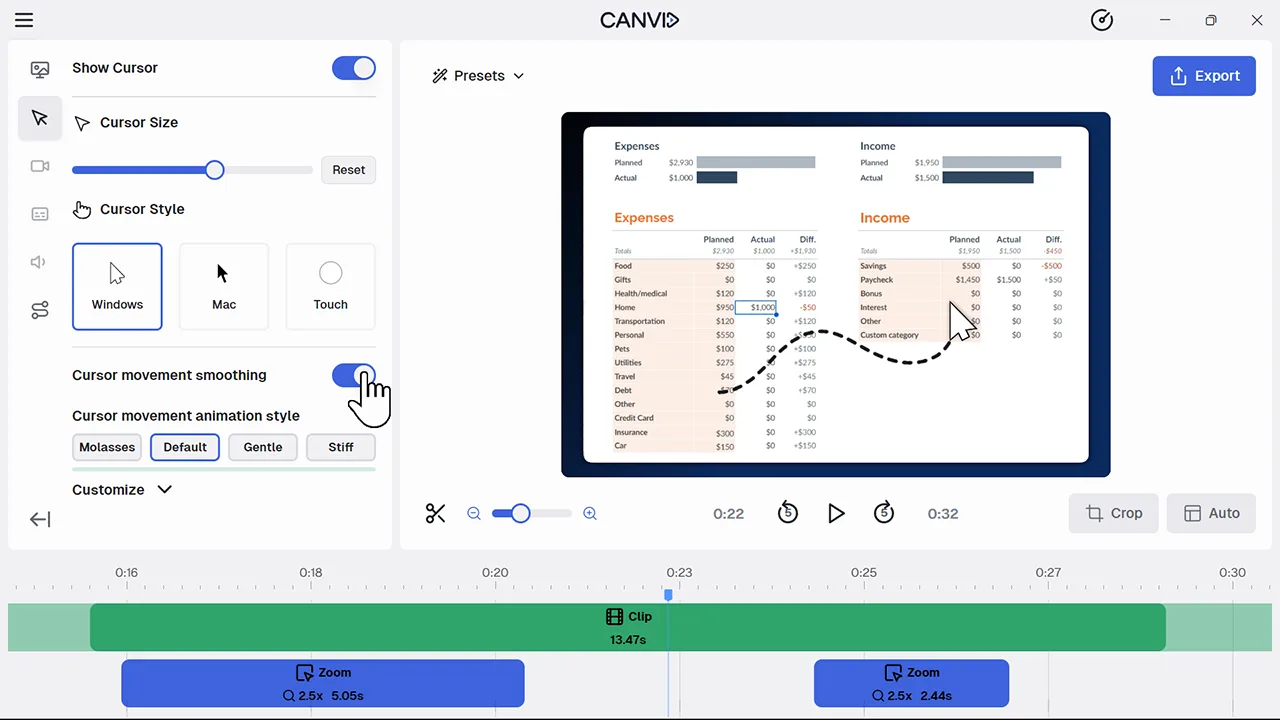
Cursor Movement SmoothingGive your cursor silky movement in screen recordings for a clean and fluid viewer experience.
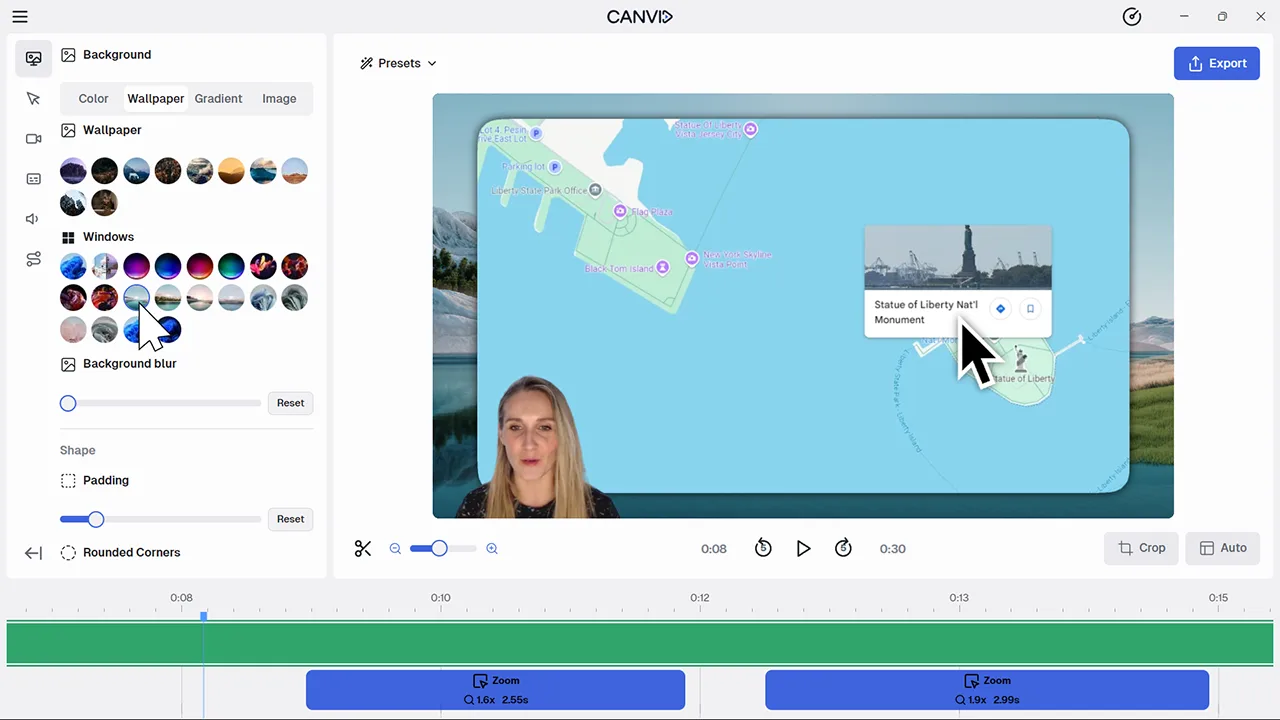
Custom Backgrounds That Match Your StyleAdd color, gradients, wallpapers or your own image to your screen recordings with just a few clicks. Keep things clean, fun or on-brand.
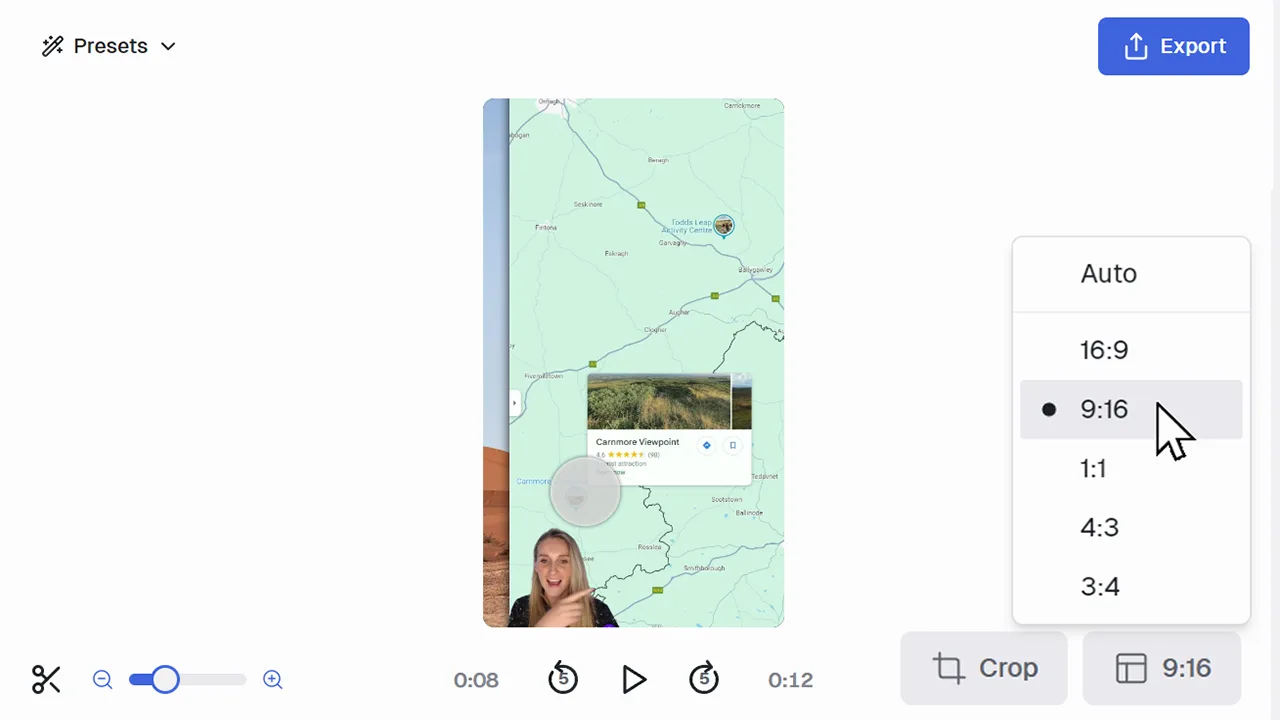
Customizable Aspect RatioCreate screen recordings in the exact format you need. Vertical for TikTok, square for Instagram, widescreen for YouTube, or anything in between.
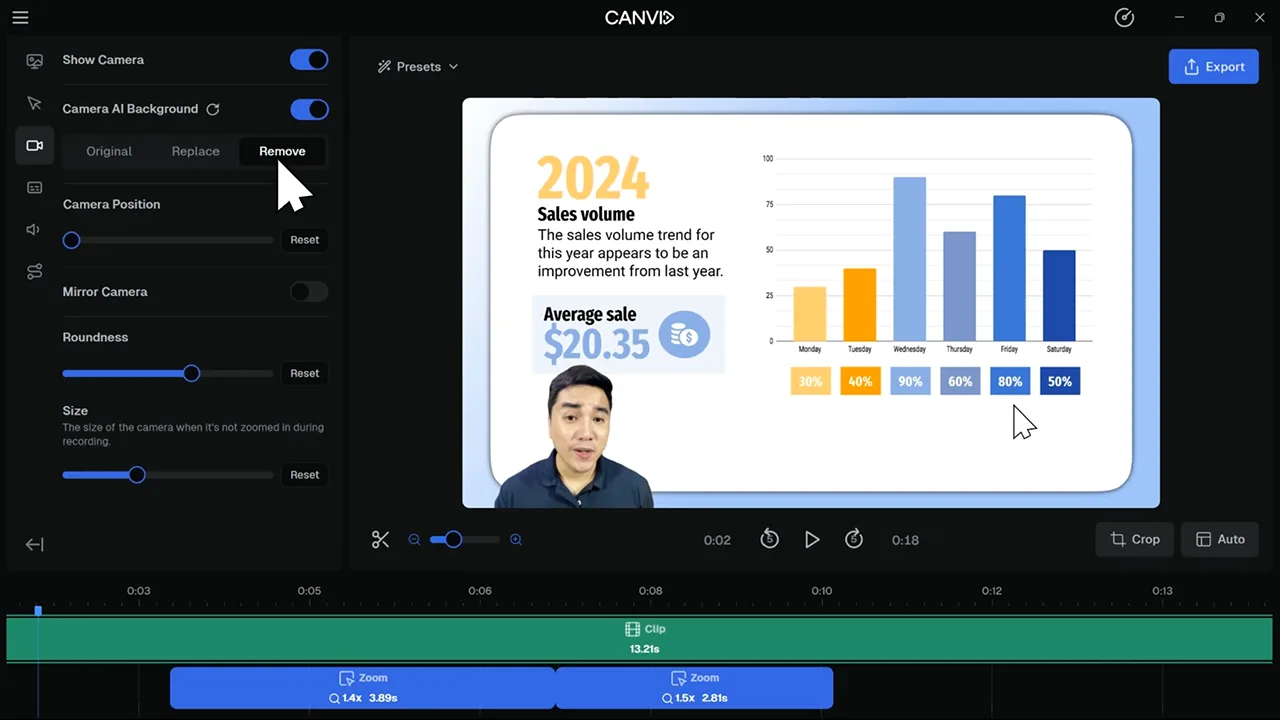
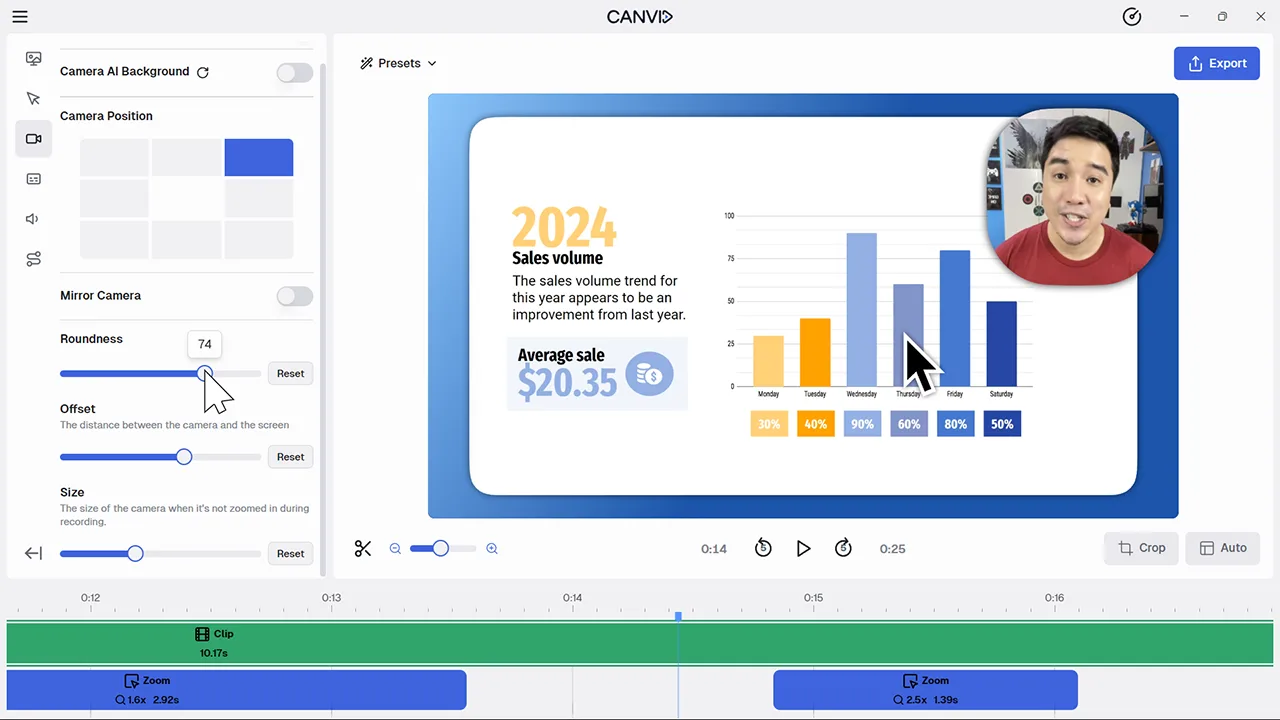
Customize Your Camera Exactly How You WantFrom circles to squircles and offset tweaks, get your webcam looking just right without it stealing the spotlight.
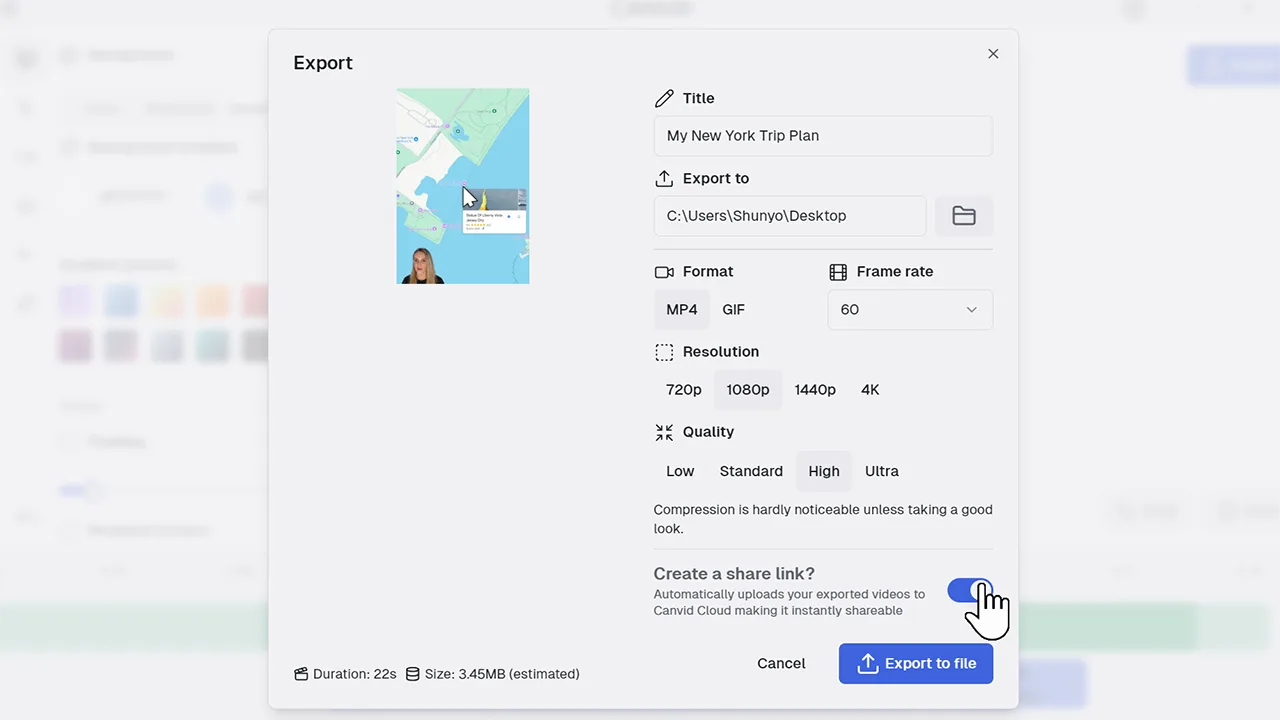
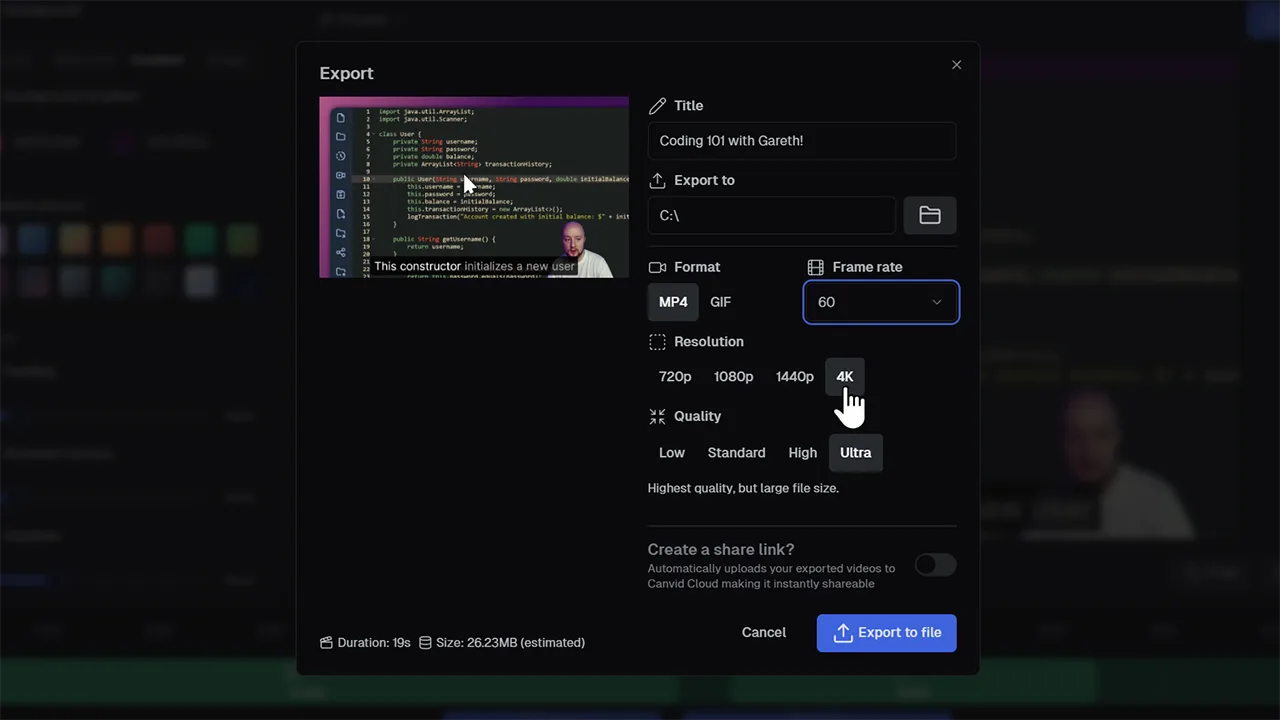
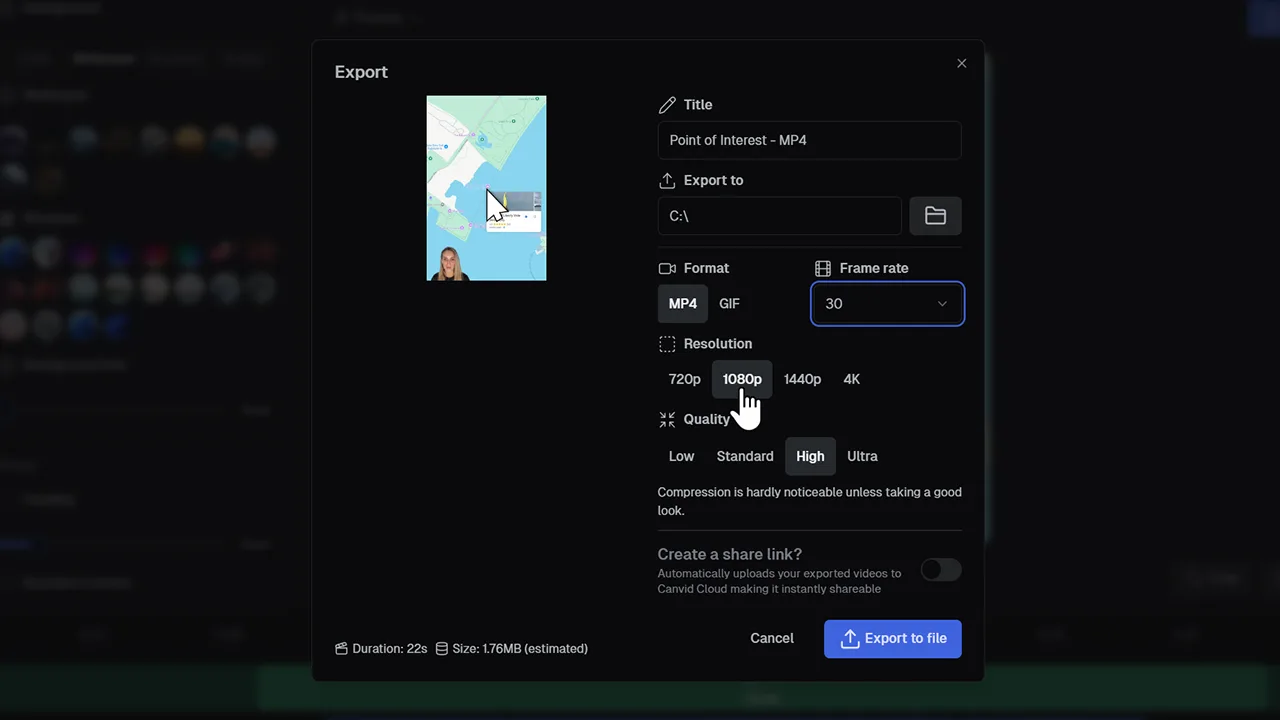
Export 4K 60FPSDeliver ultra‑high‑definition screen recordings with crystal‑clear motion at 60 frames per second
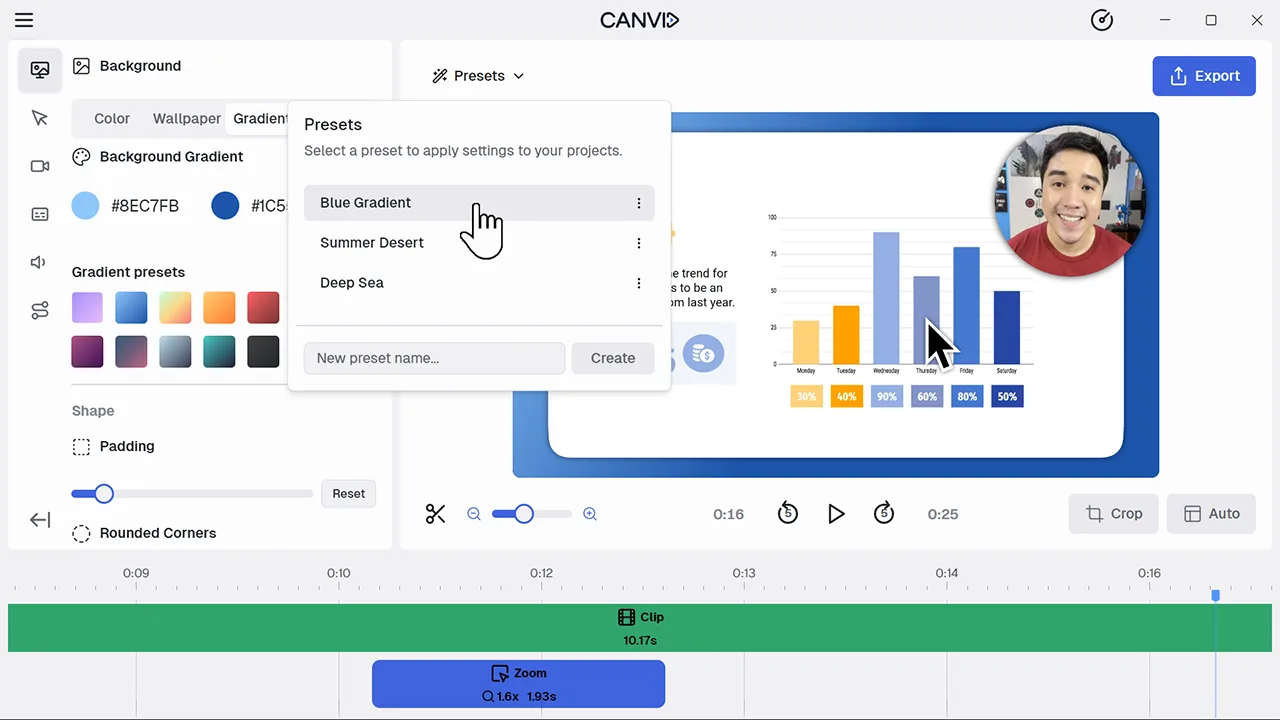
Presets for Faster, Consistent EditingSave your favorite styles and apply them to any project in a single click.
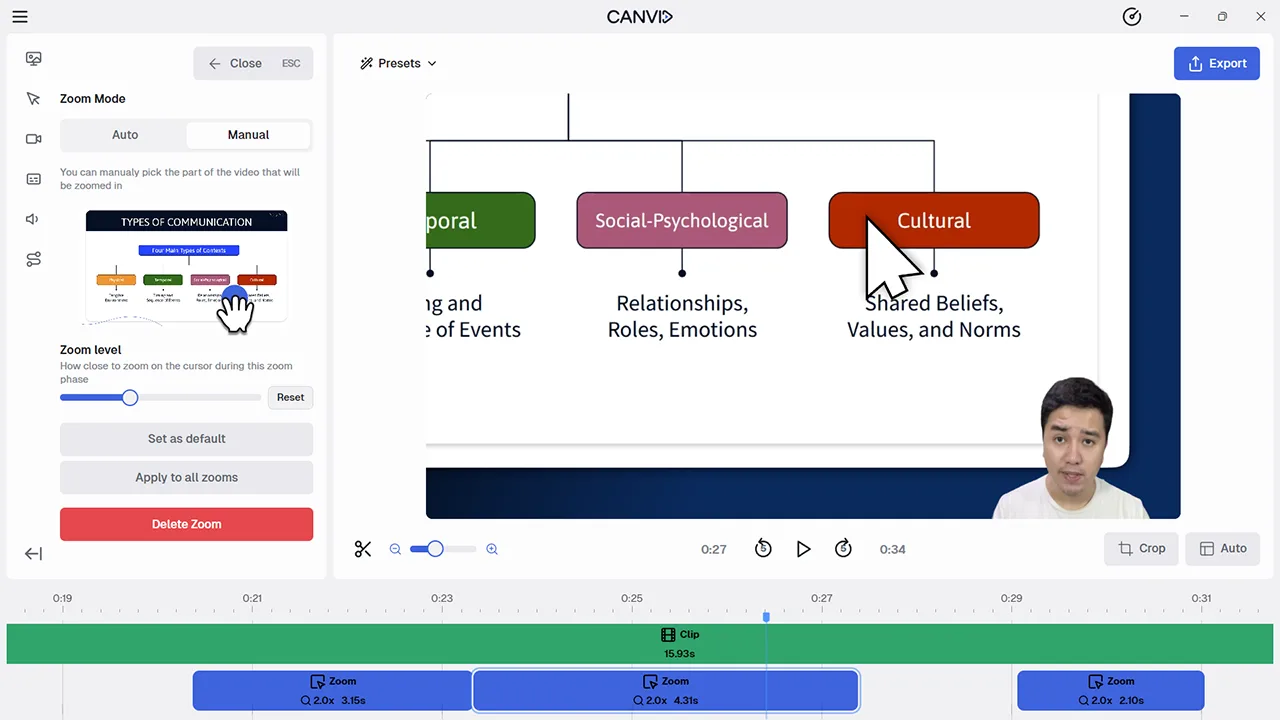
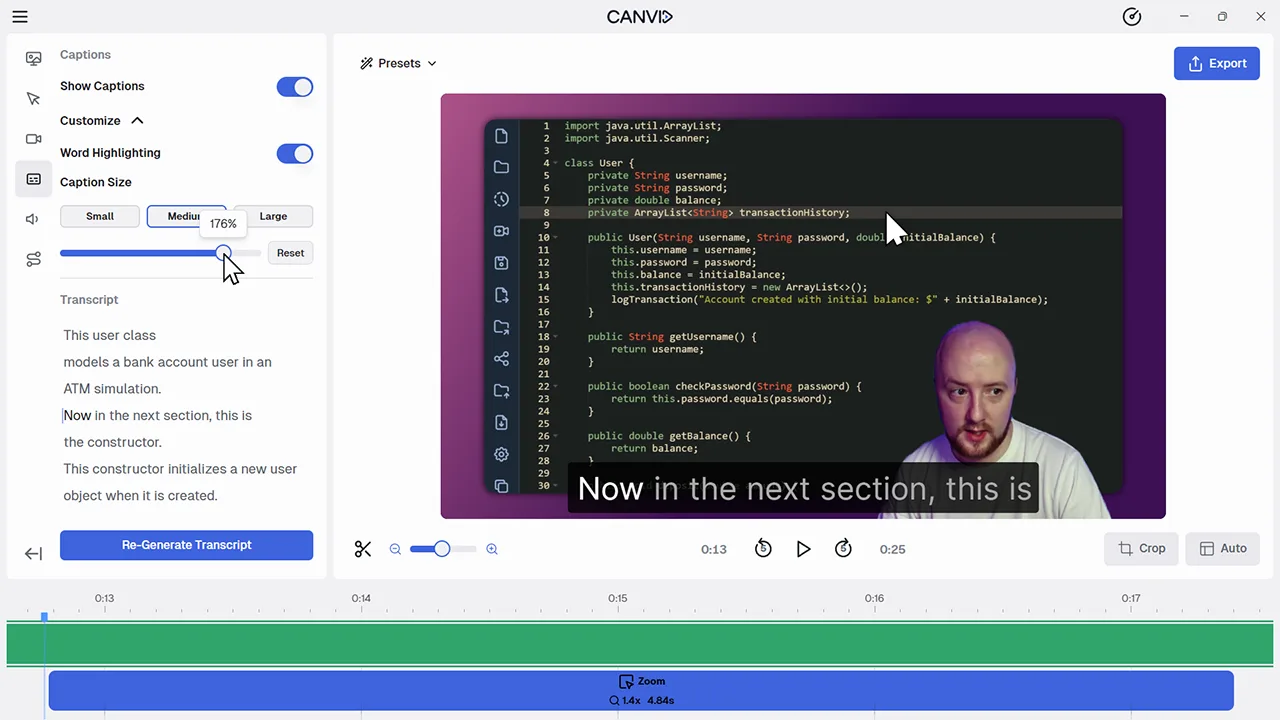
Real-time Video PreviewGet immediate feedback as you edit. See changes applied live to your screen recording in the preview window.
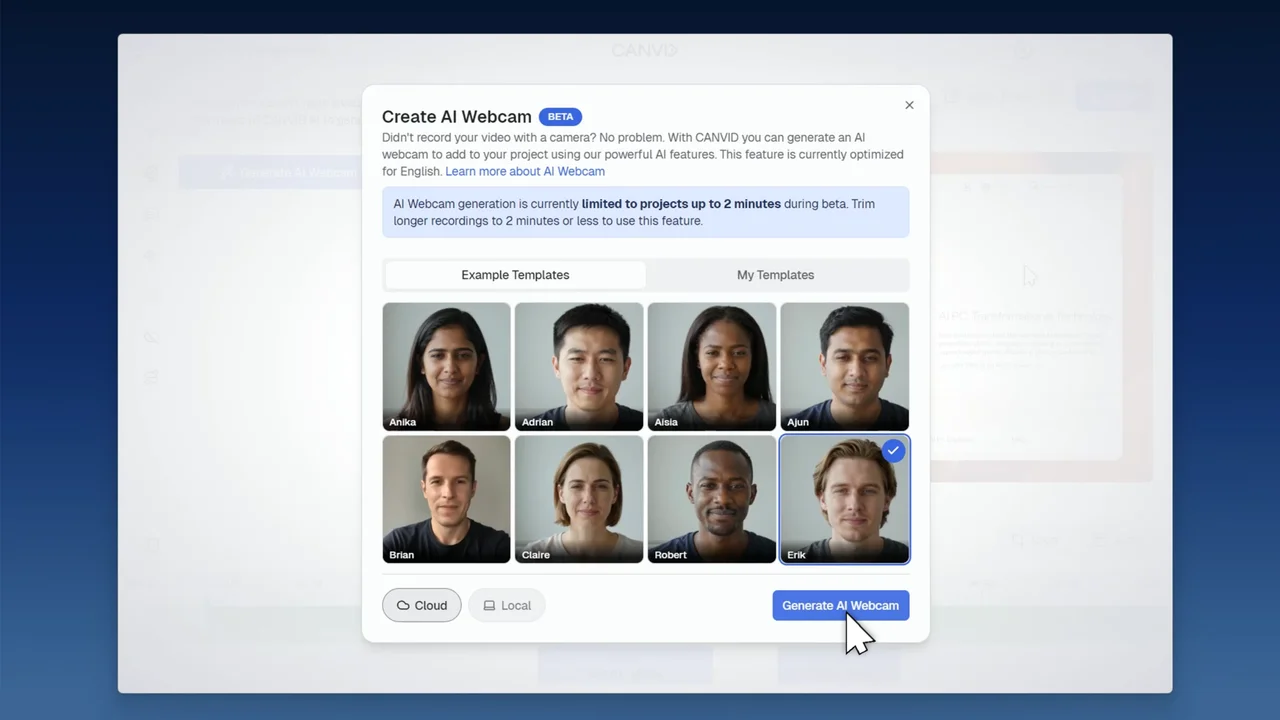
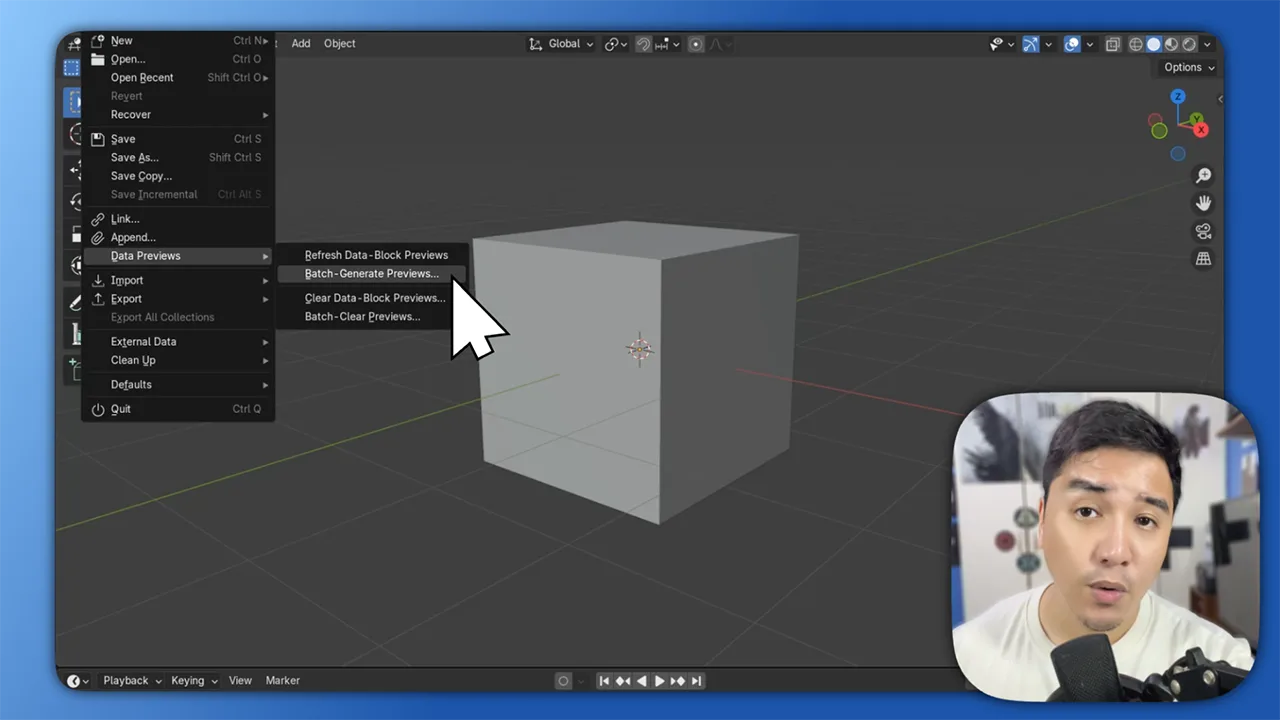
Screen + Webcam Recording, TogetherPut yourself in the picture. Record your screen and camera at the same time so your viewers can follow both your words and your work.
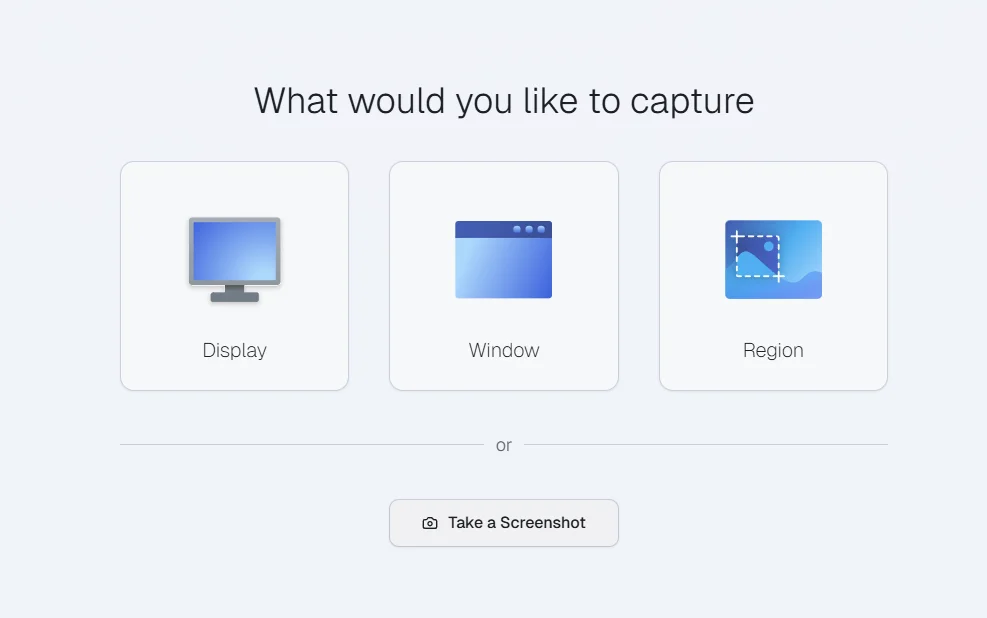
Screen, Window, & Region RecordingRecord your entire screen, just one window, or a specific are of your screen with audio included.
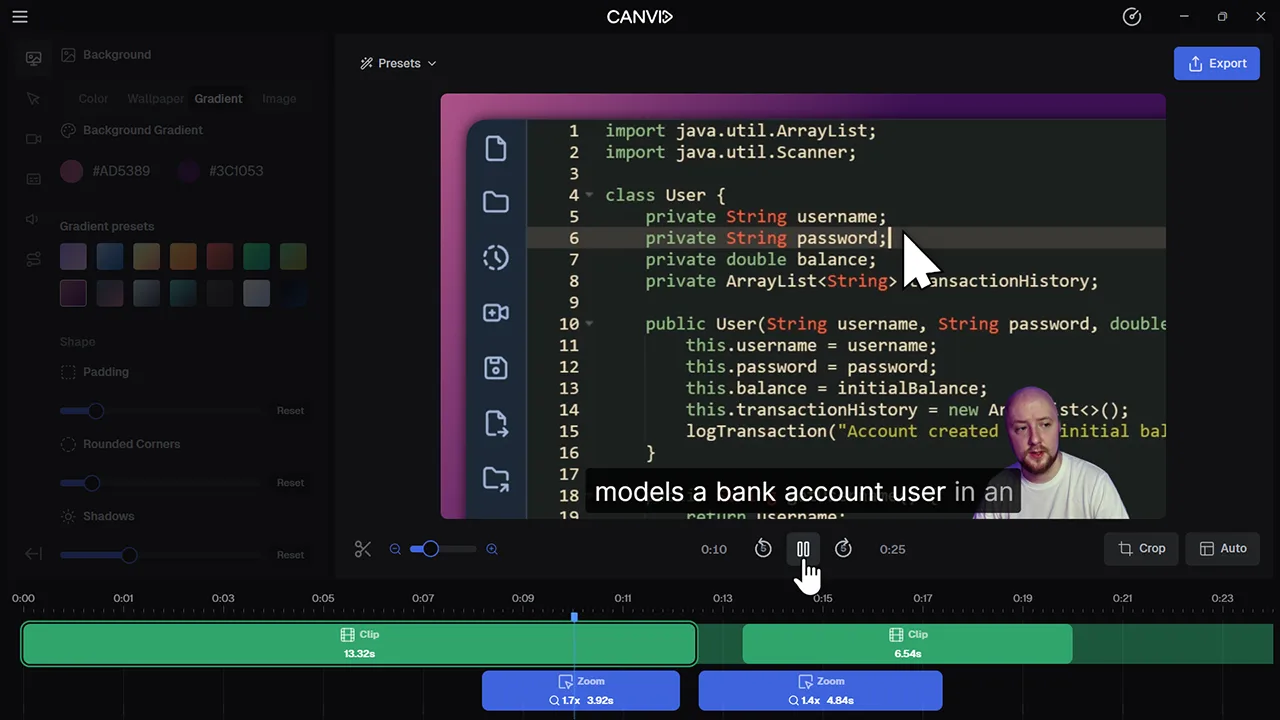
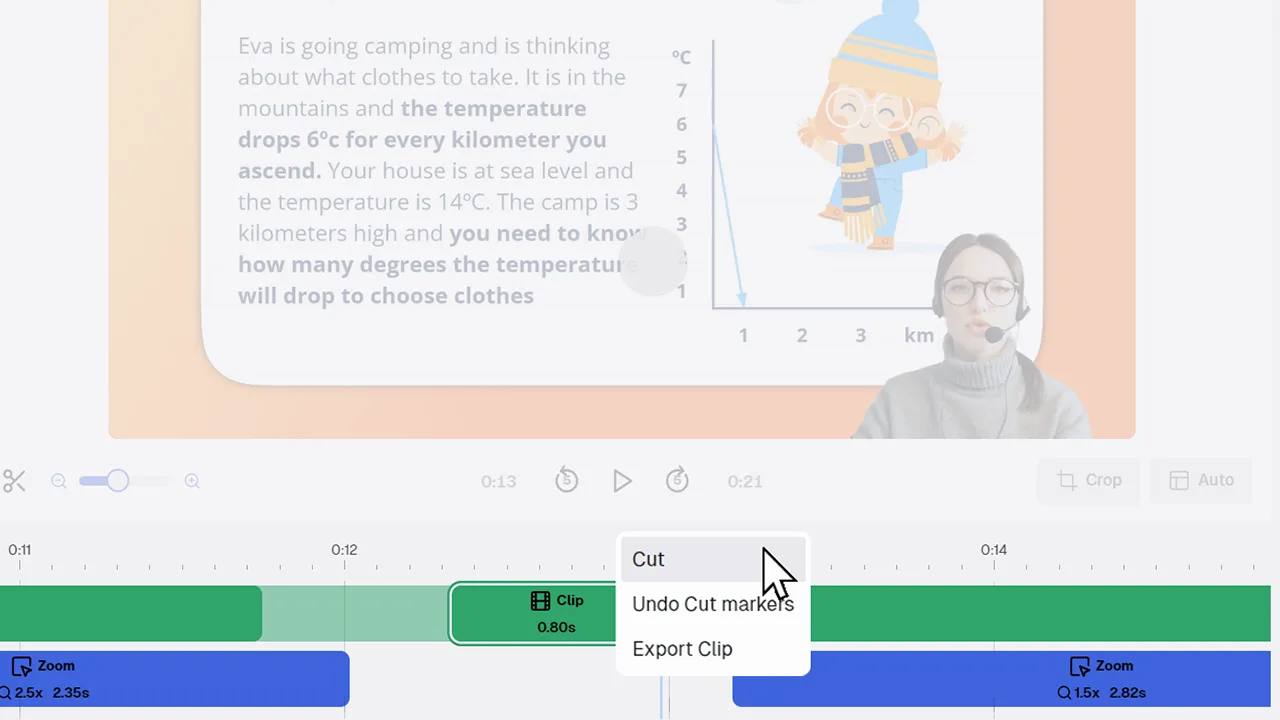
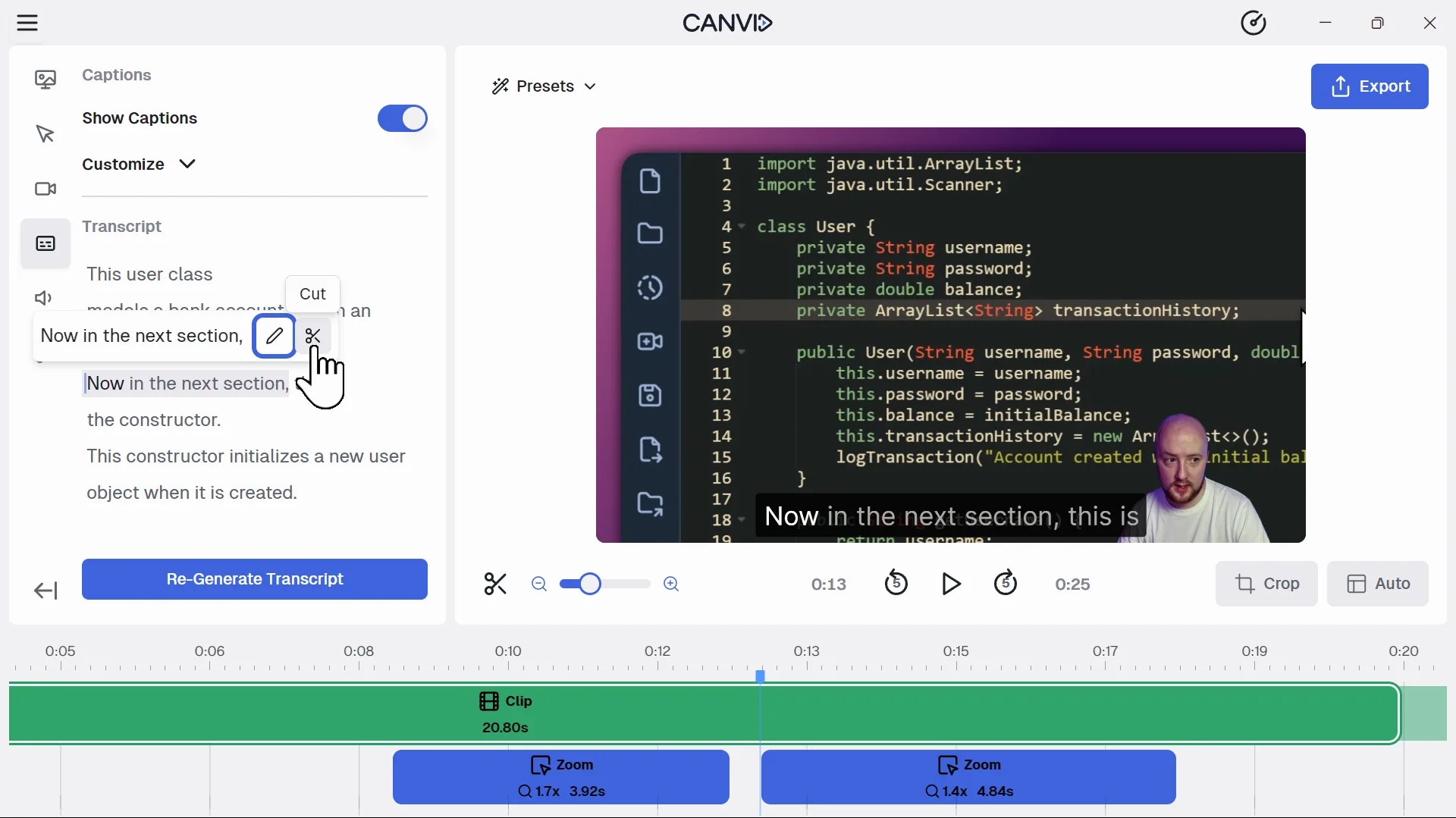
Timeline Controls for Effortless EditingTrim, split, drag and zoom through your screen recordings with precision.