Editing approach
CANVID
Polish, then refineStart with automatic effects and keep adjusting the story in a focused editor.
FocuSee
Automation firstApplies zooms, cursor motion, layouts, shortcuts, and other effects with minimal setup.
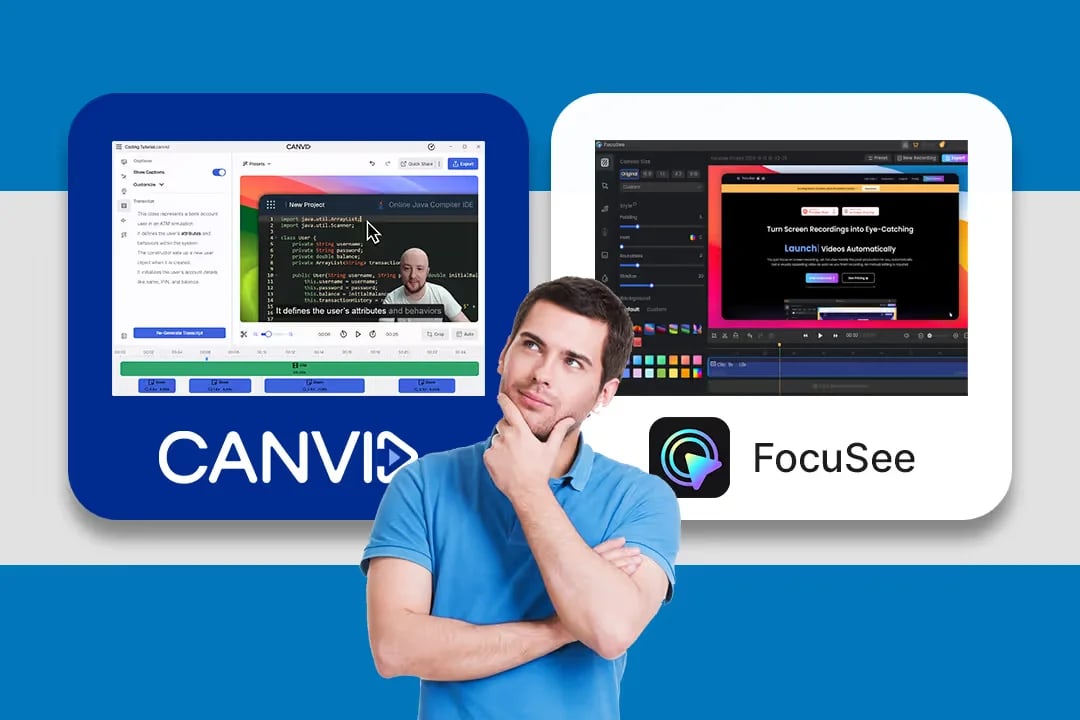
CANVID
Polish, then refineStart with automatic effects and keep adjusting the story in a focused editor.
FocuSee
Automation firstApplies zooms, cursor motion, layouts, shortcuts, and other effects with minimal setup.
CANVID
Windows and macOSUse the same core recording and editing workflow on both platforms.
FocuSee
Windows and macOSFocuSee publishes desktop apps for Windows and Mac.
CANVID
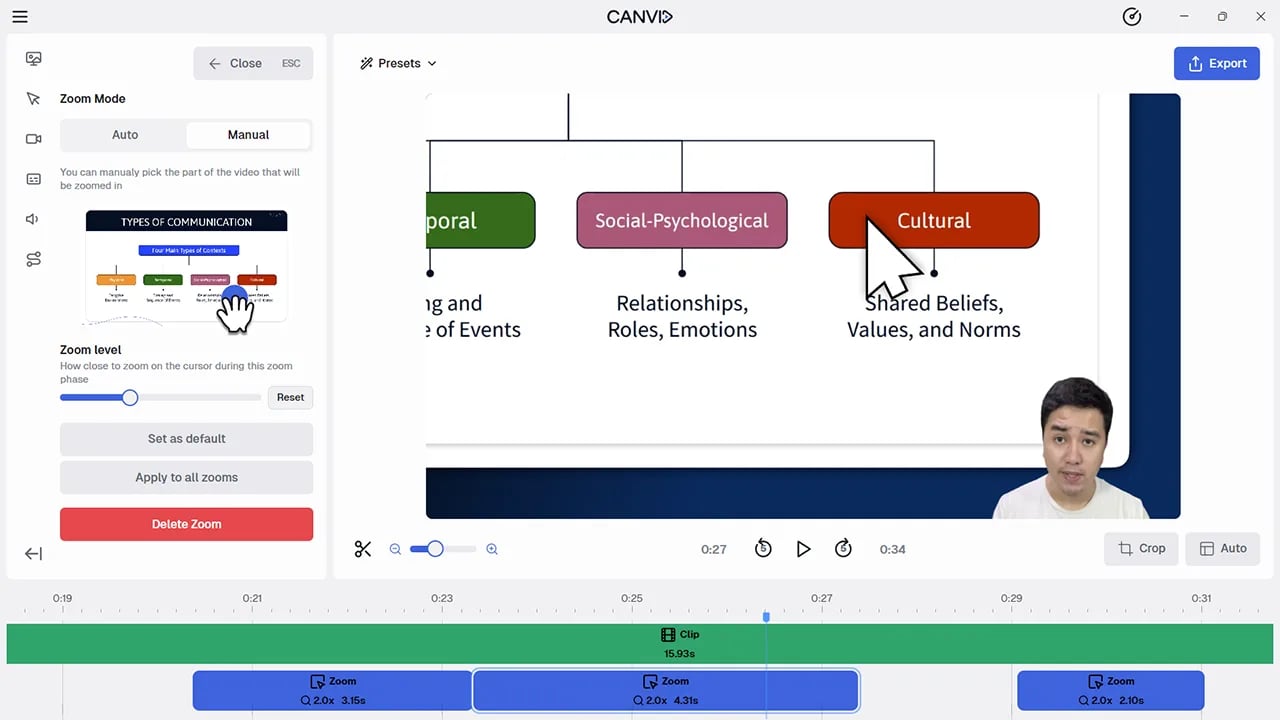
Automatic and manualEdit the timing, focus area, duration, and level of individual zoom segments.
FocuSee
Automatic and manualStrong automatic click zooms, 3D motion, spotlights, and editable zoom tracks.
CANVID
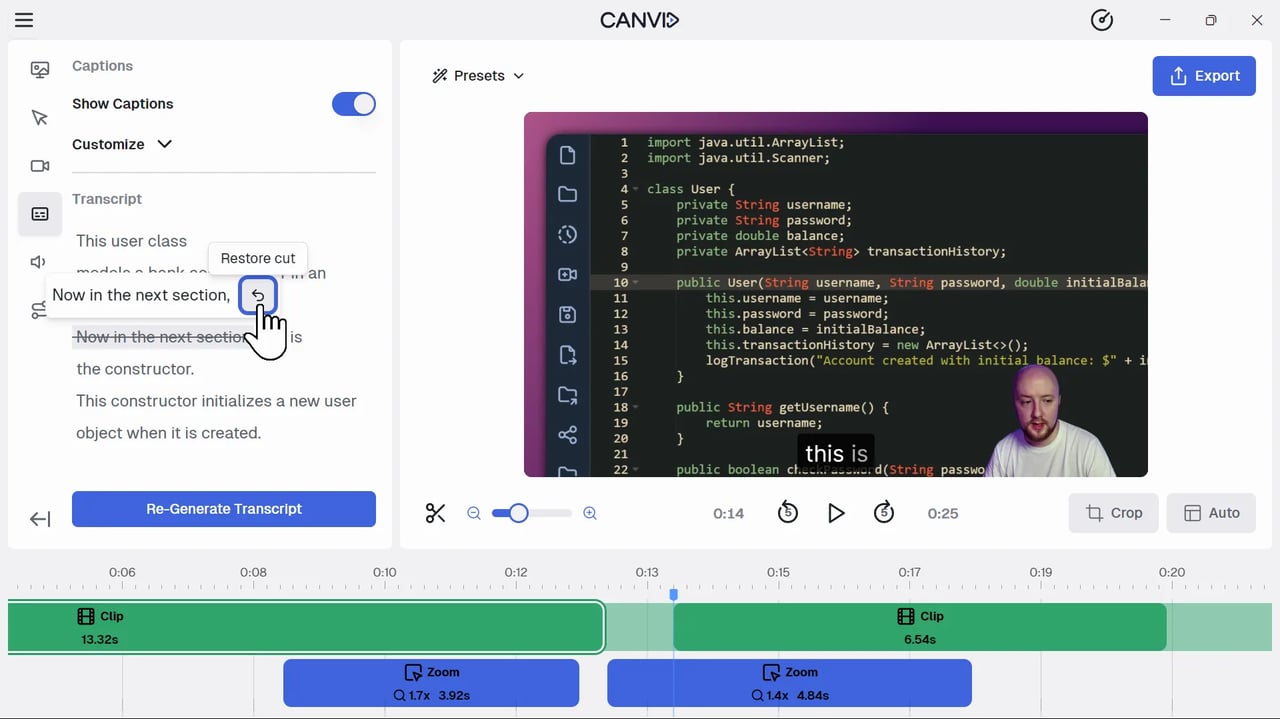
Cut or replace speechRemove selected speech from the transcript or replace a line with AI Speech Edit.
FocuSee
Smart cleanupEdits subtitle text and can detect and remove silences or filler words using AI credits.
CANVID
No direct USB captureCANVID does not currently document a native mobile-device recording workflow.
FocuSee
iOS and AndroidRecord a connected phone or tablet and add an appropriate device frame.
CANVID
MP4, GIF, and linksExport up to 4K at 60 fps or publish a view-only cloud link.
FocuSee
MP4, GIF, and linksExport up to 4K at 60 fps or use paid sharing with password controls.
CANVID
Lifetime app updatesThe Desktop License includes lifetime desktop-app access and app updates.
FocuSee
Lifetime access to 2.xThe one-time plan covers FocuSee 2.x; a future major version requires a paid upgrade.
Free to download. Create and edit before choosing a plan to export.