Desktop platforms
CANVID
Windows and macOSCANVID is available for both Windows and macOS.
Screen Studio
macOS onlyScreen Studio has a macOS version, but not Windows.
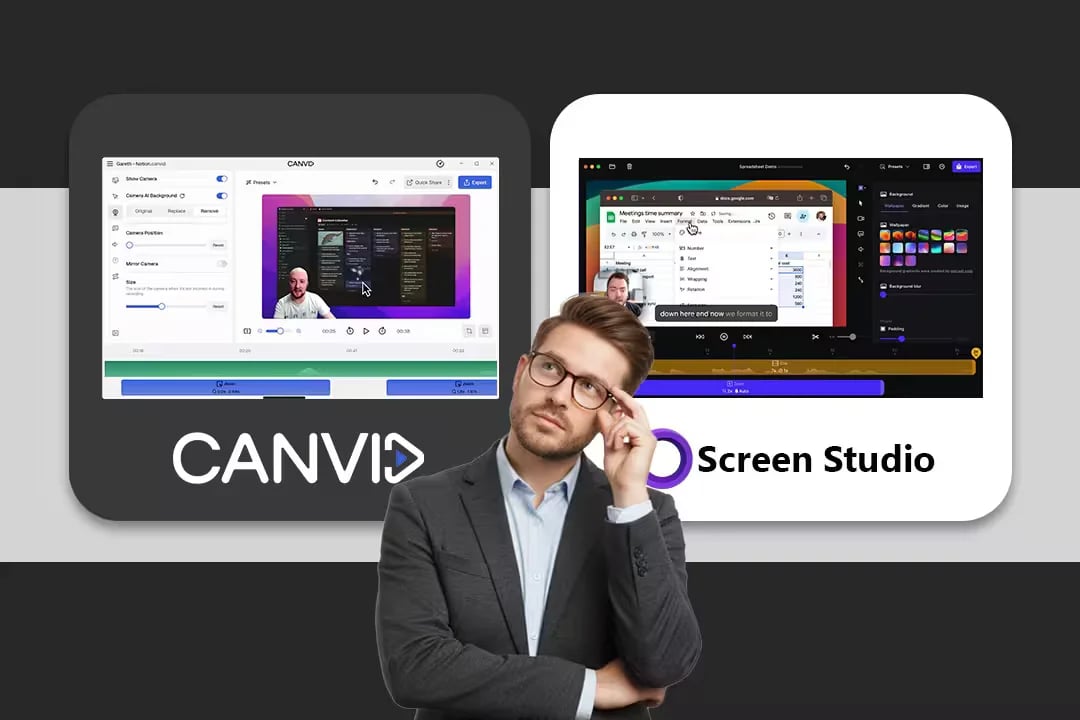
CANVID
Windows and macOSCANVID is available for both Windows and macOS.
Screen Studio
macOS onlyScreen Studio has a macOS version, but not Windows.
CANVID
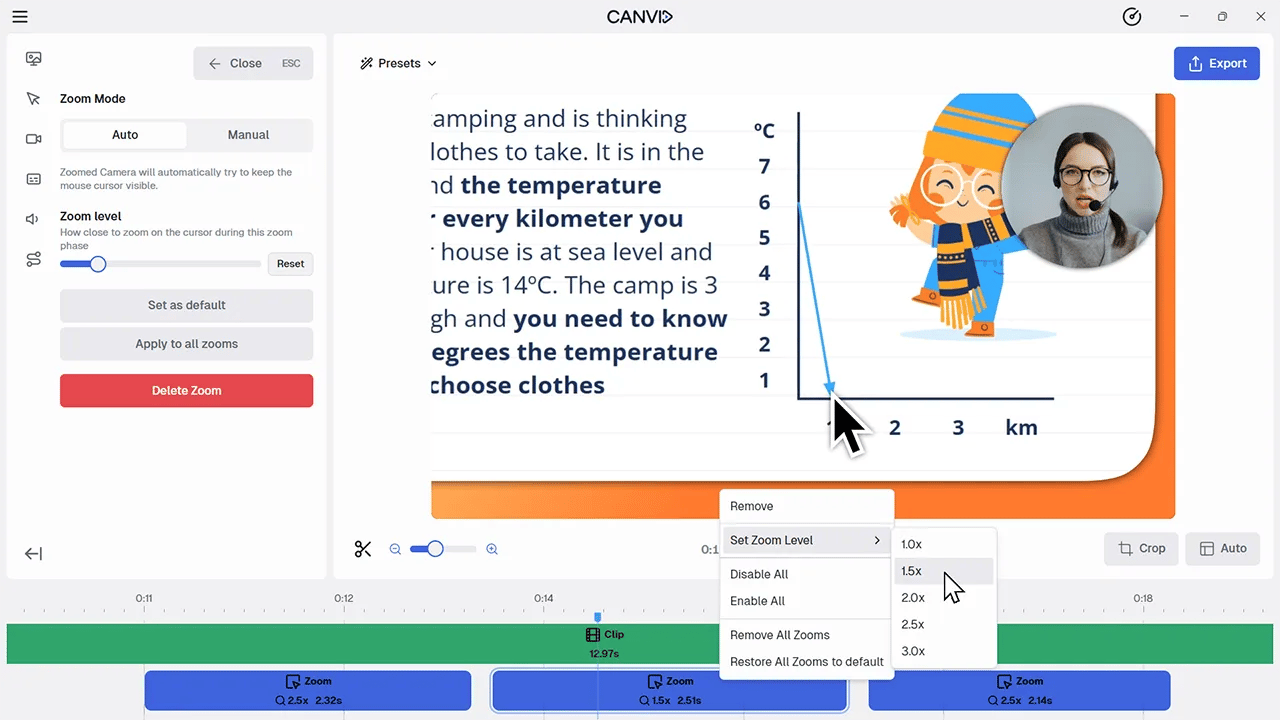
Automatic and manualGuide attention with automatic click zooms and precise manual edits.
Screen Studio
Automatic and manualIts mature, opinionated zoom and cursor treatment is a core strength.
CANVID
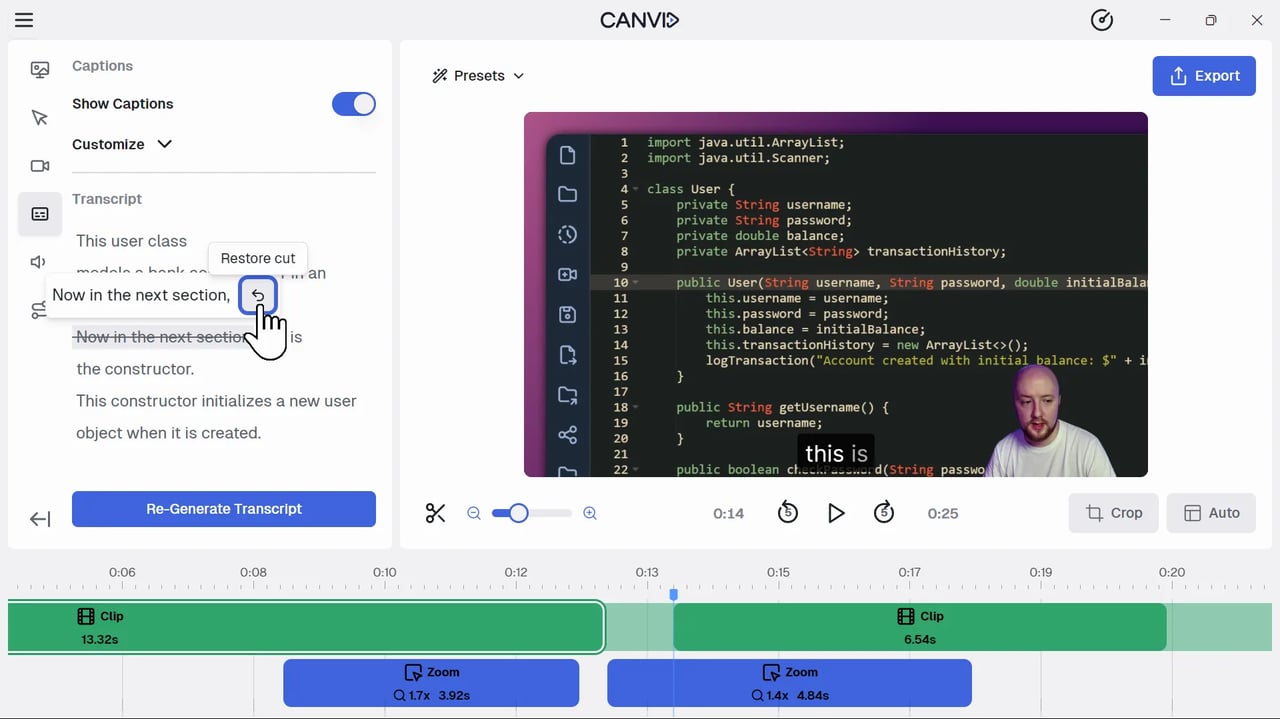
Cut video from textNavigate the timeline and remove spoken sections from the transcript.
Screen Studio
Edit caption textGenerate, correct, style, and export captions without text-based video cuts.
CANVID
Speech and webcam AIReplace a spoken line or generate a lip-synced webcam track after recording.
Screen Studio
Not availableNo known equivalents to AI Speech Edit or AI Webcam.
CANVID
Display, window, or regionCapture the full display, one window, or a selected area.
Screen Studio
Display, window, or regionCovers the same core desktop capture choices.
CANVID
No direct device workflowCANVID does not currently have a native mobile device recorder.
Screen Studio
Direct Apple-device captureRecord an iPhone or iPad over USB or through iPhone Mirroring.
CANVID
Subscription or one-timeChoose a subscription or a one-time Desktop License.
Screen Studio
Subscription for new buyersCurrent new-customer plans are monthly or annual subscriptions.
Screen Studio is excellent at quickly applying a polished visual style to Mac screen recordings. The usual reason to look elsewhere is not that it fails at that job. It is that the creator needs Windows support, a shared workflow across Windows and Mac, or more ways to repair the recording after the first take.
CANVID is built for that next part of the workflow. You can record a display, window, or region; guide attention with automatic or manual zooms; work through a transcript; and keep a strong take even when one sentence or camera moment needs correction. Screen Studio remains a compelling option when direct Apple-device capture or its particular Mac-native polish is the deciding factor.
Choose CANVID for polished product demos, tutorials, customer support, training, and reusable marketing videos when the work happens on Windows or across both desktop platforms. Choose Screen Studio when your workflow is entirely on Mac and the shortest path to its signature automatic treatment, local captions, or iPhone and iPad recording matters more than post-recording AI correction.
Neither choice needs a feature-counting contest. Start with the platform you use, the footage you capture, and what usually goes wrong in your first take. Those three questions make the comparison much clearer than a long table where every row pretends to have one universal winner.
Free to download. Create and edit before choosing a plan to export.