Customizable Aspect Ratio
Flexible framing for every platform
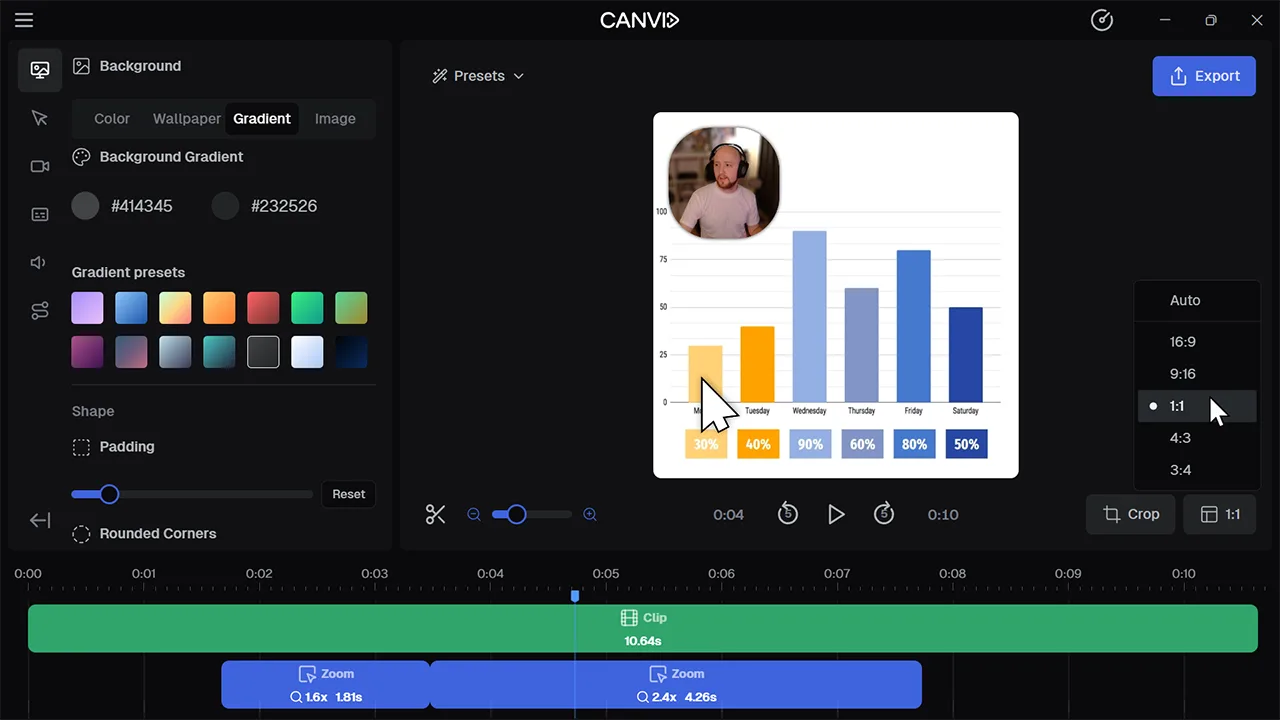
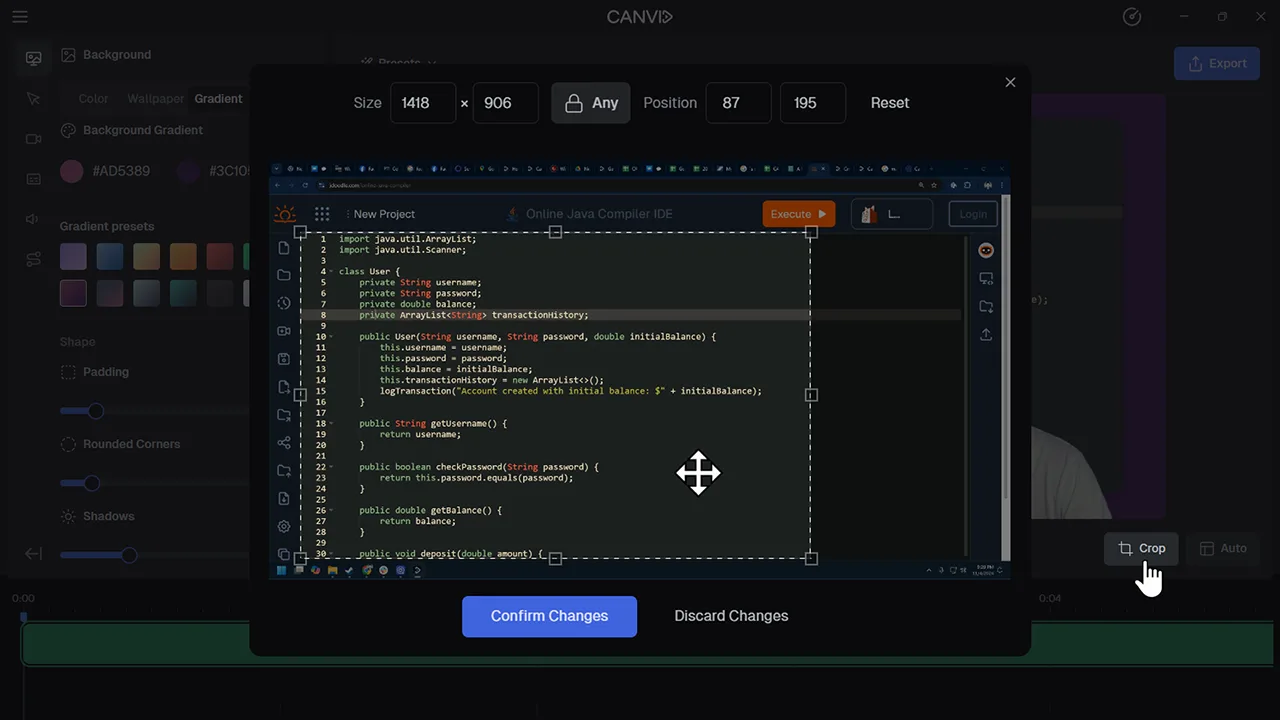
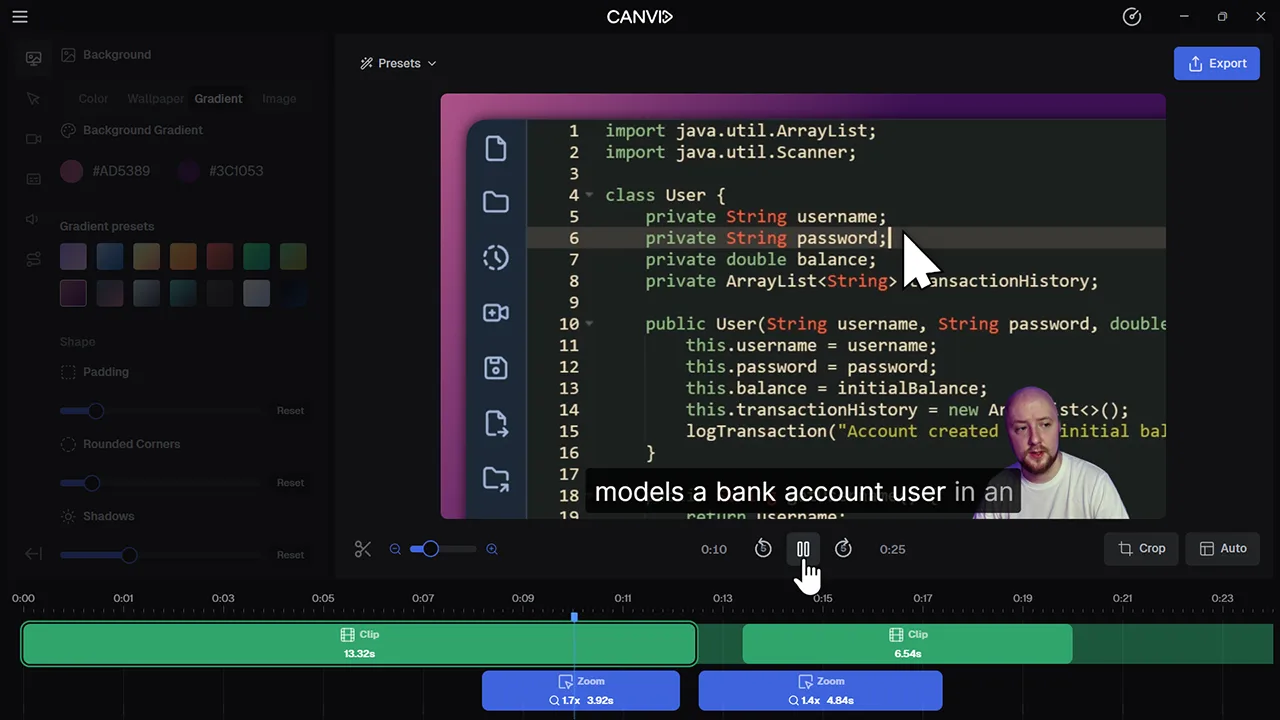
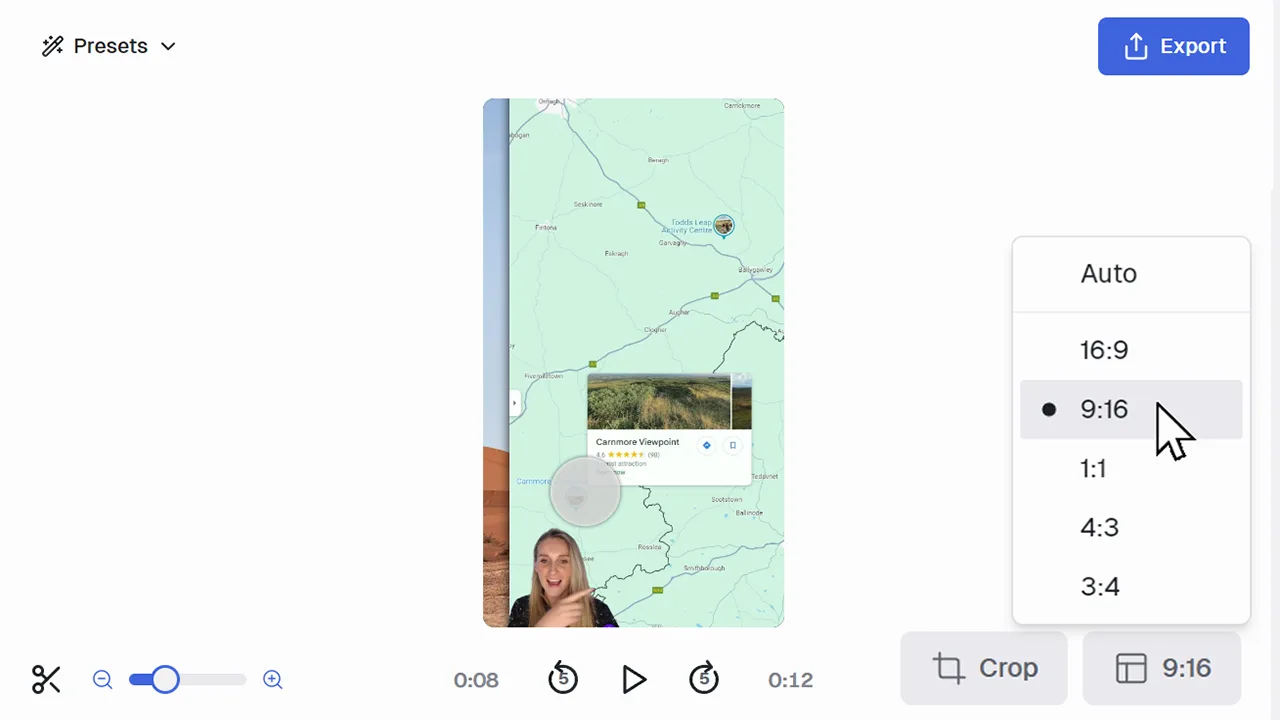
In CANVID, you’re not locked into 16:9. You can set your screen recording to 9:16 for vertical content, 1:1 for social posts, or choose any aspect ratio that fits your style or platform. It all happens right in the editor.
Whether it’s a short for YouTube, a story on Instagram, or a TikTok tutorial, using the right aspect ratio helps your screen recording look natural and polished. CANVID makes it easy to fit in without cropping out the good stuff.
Frequently Asked Questions
Yes. You can adjust the aspect ratio at any time in the editor without needing to re-record.
Instagram and TikTok use vertical 9:16, YouTube prefers widescreen 16:9, and some LinkedIn or Facebook videos work best in 1:1 square. CANVID helps you match them all.
It can when using zooms, but you control the framing. You can reposition your content within the frame to keep what matters in view.
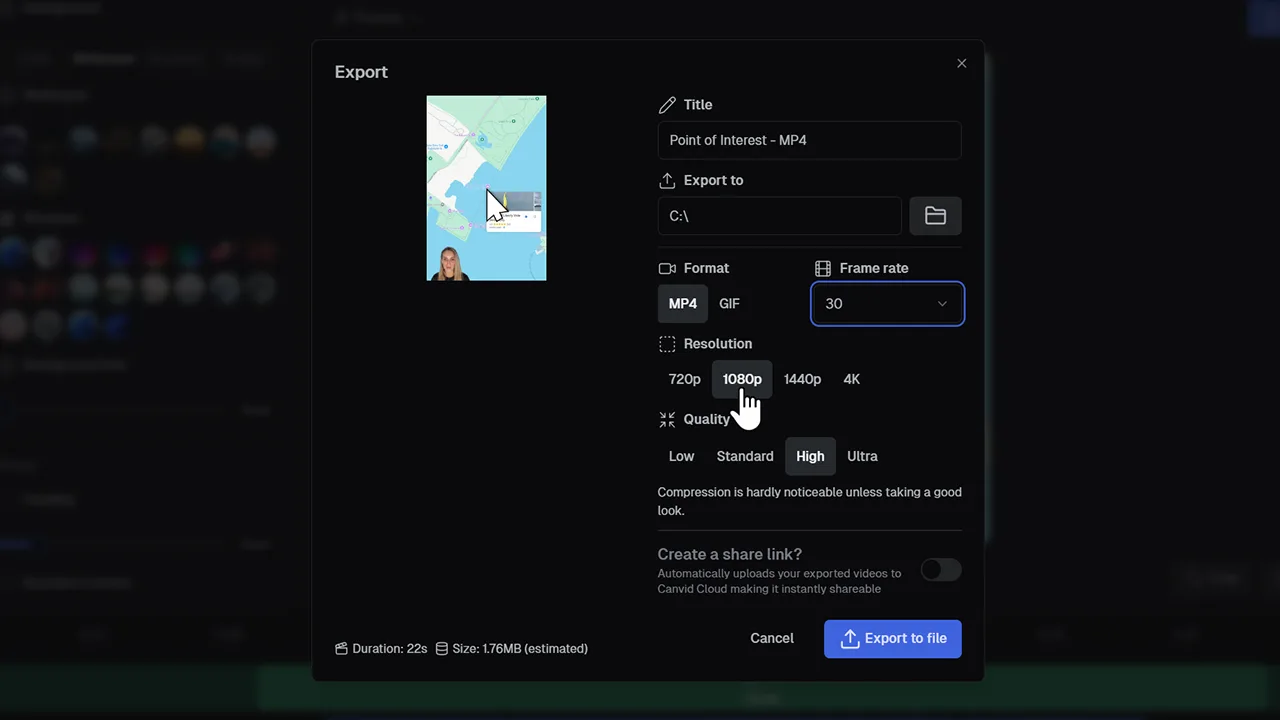
Absolutely. Create one screen recording, then export it in multiple aspect ratios tailored for each platform.