Real-time Video Preview
Make Edits, See Results
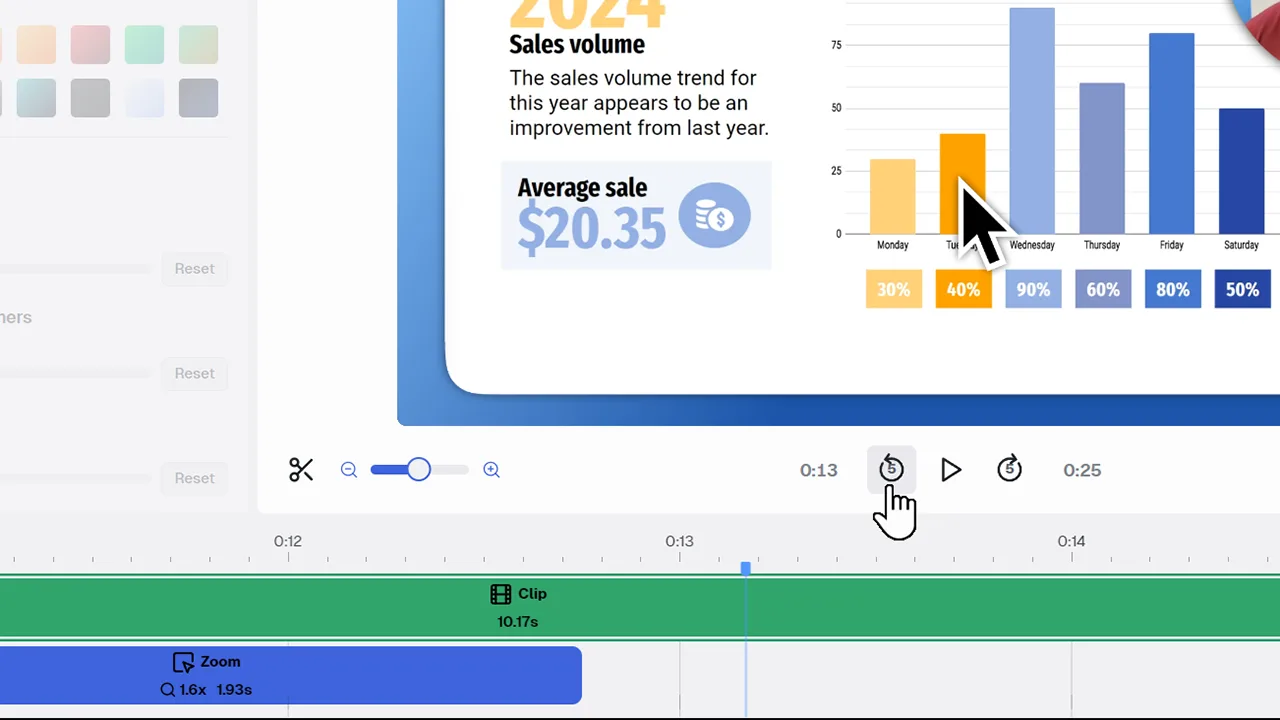
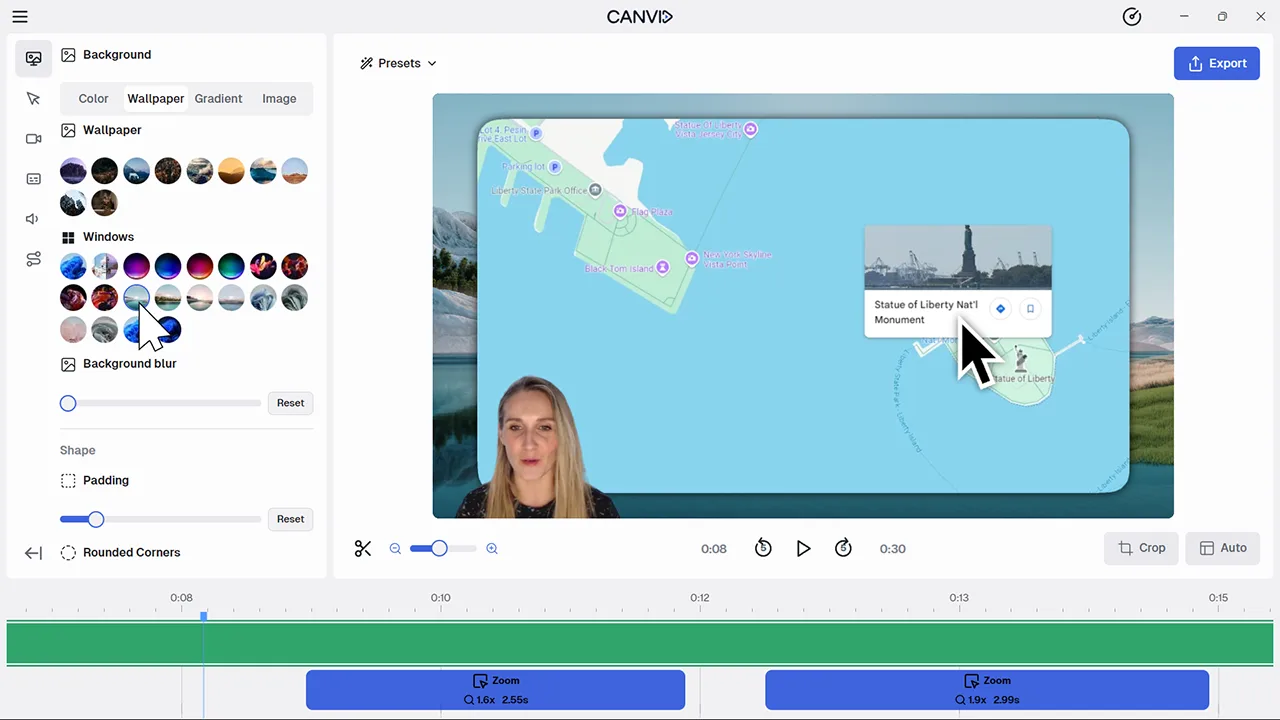
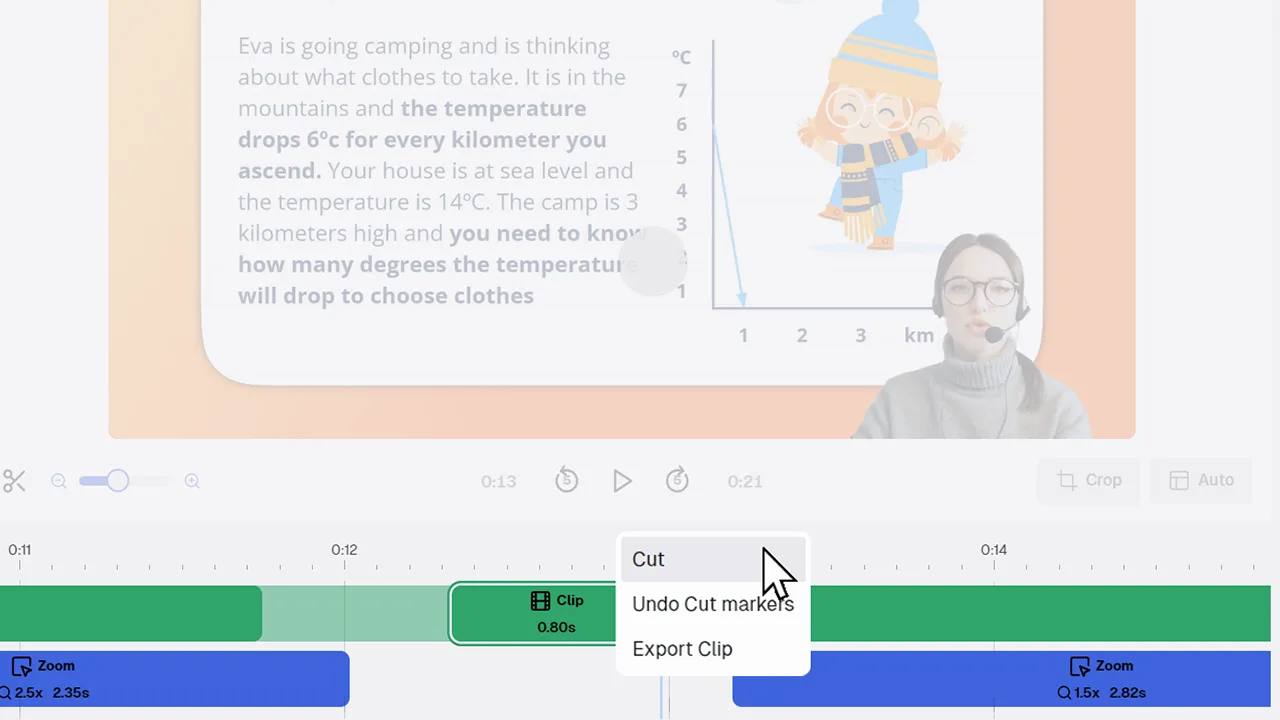
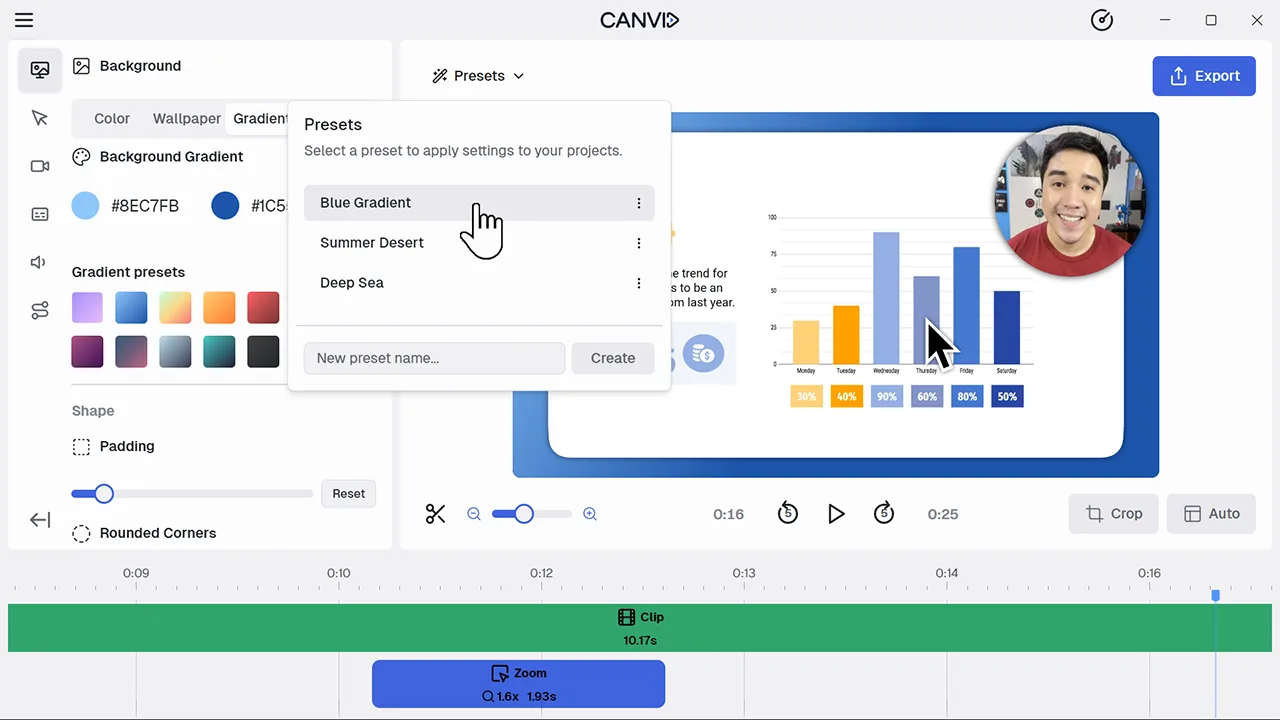
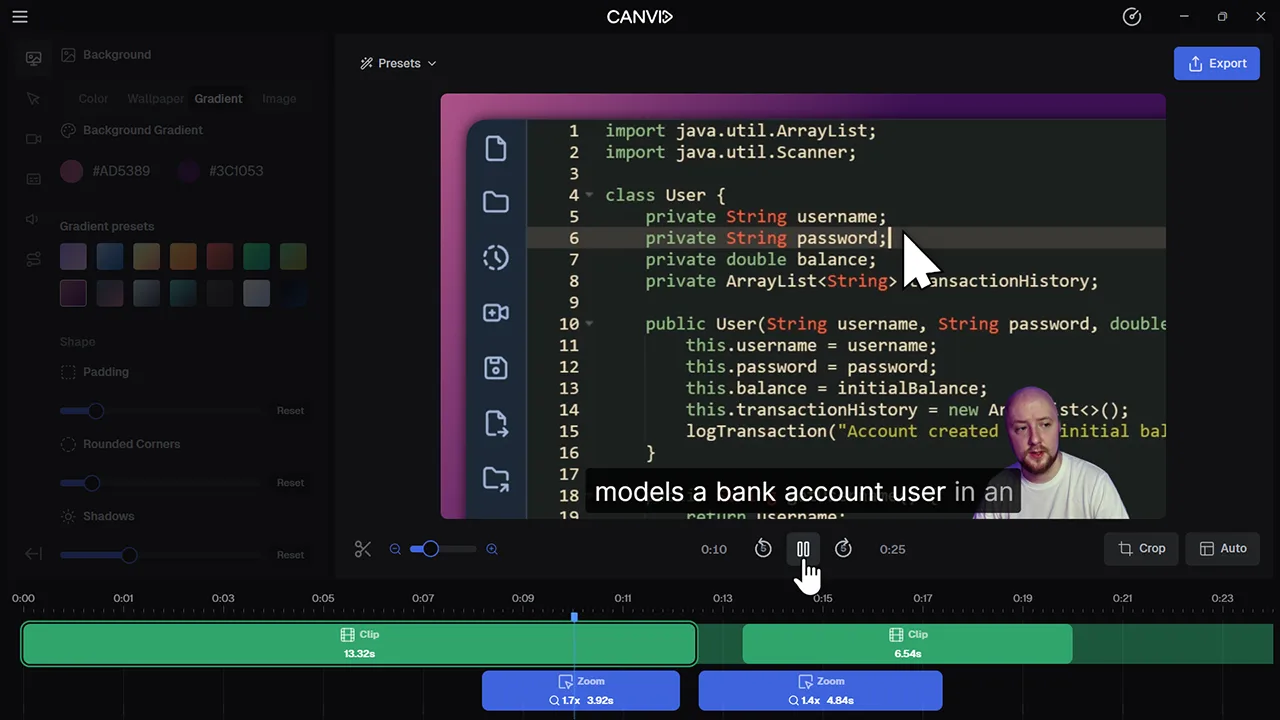
CANVID's editor gives you a live view of your screen recording so every change is instantly visible. Whether you’re tweaking zooms, applying a preset, or updating your background, the preview updates without delay.
Traditional screen recording tools can feel clunky when you’re waiting for edits to appear. With real-time preview, what you see is truly what you get, helping you work faster and stay in the flow.
Frequently Asked Questions
Yes. Edits to background, zooms, cursor, camera position, captions, and more are instantly reflected in the preview window.
Absolutely. The preview gives you an accurate view of what your exported screen recording or video will look like.
You can adjust the preview quality and frame rate in performance settings to reduce resource usage on older machines, but real-time updates stay on to keep things responsive.
Not usually. CANVID is well optimized and includes performance settings to control preview resolution and frame rate, so you can find the balance that works best for your setup.