Crop It Just Right
Precision framing made simple
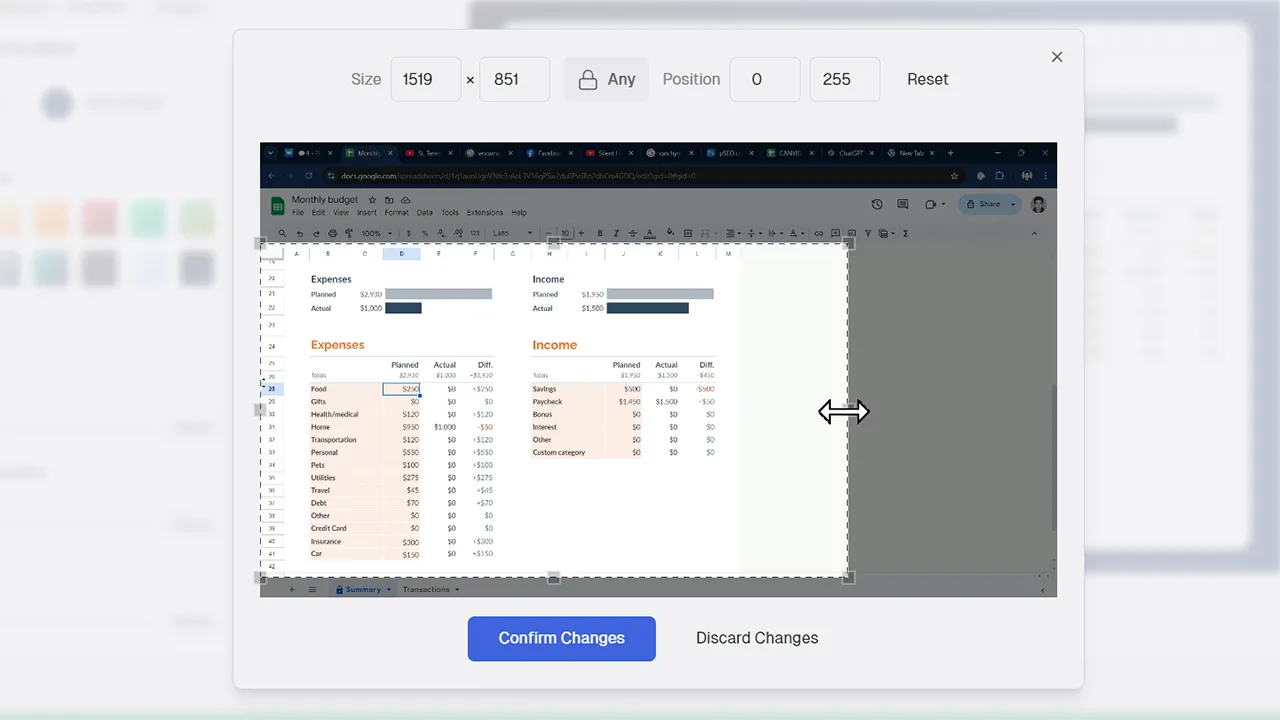
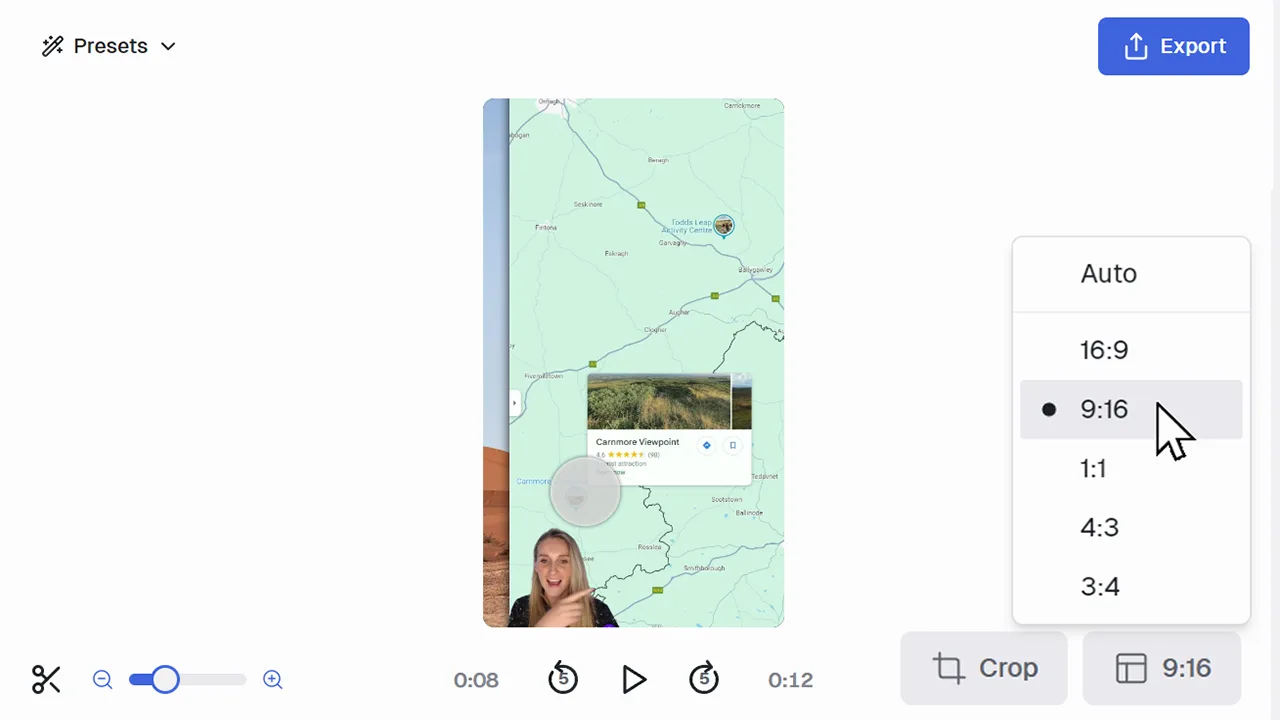
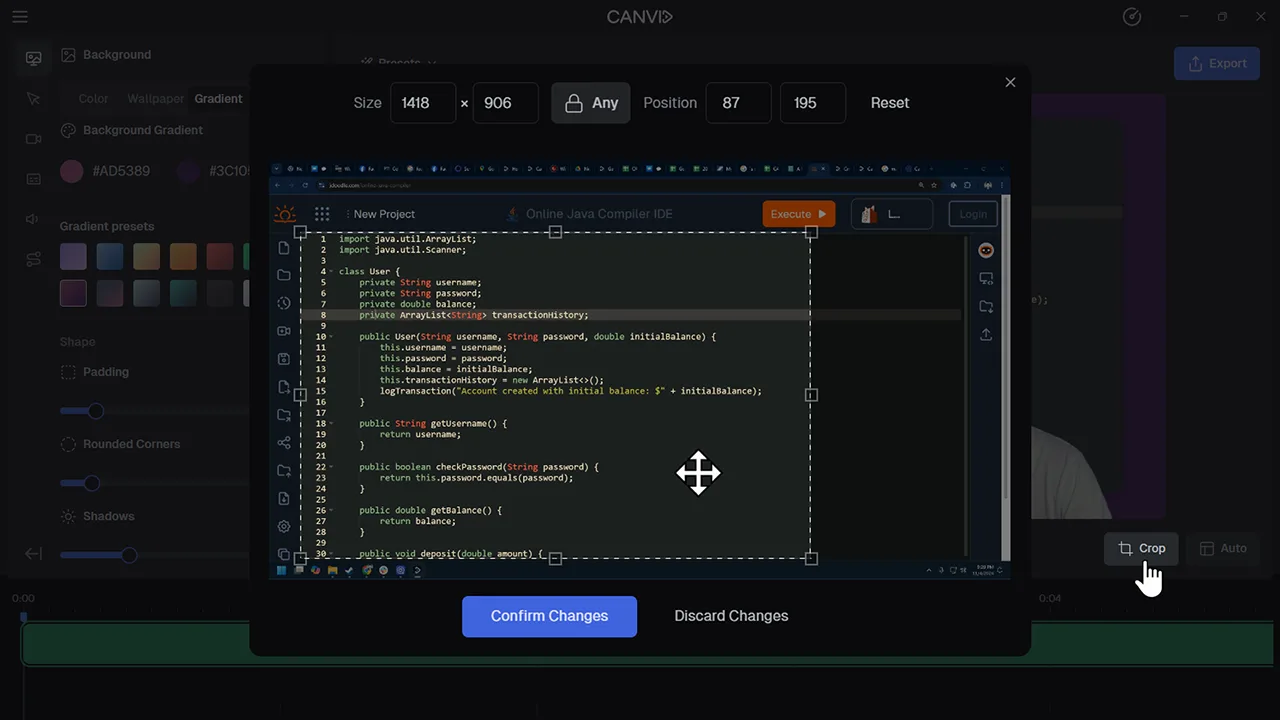
CANVID's crop feature lets you trim out any parts of your screen recording that you don’t want to show. Focus attention where it matters, all within the same editor where you zoom, cut, and customize.
You don’t need advanced video editing skills to clean up your footage. Cropping in CANVID is easy to use and designed for real work. Remove clutter, emphasize details, or fit your content to different formats in seconds.
Frequently Asked Questions
Yes. Cropping is done in the editor after your screen recording is complete, so you can adjust framing as needed before export.
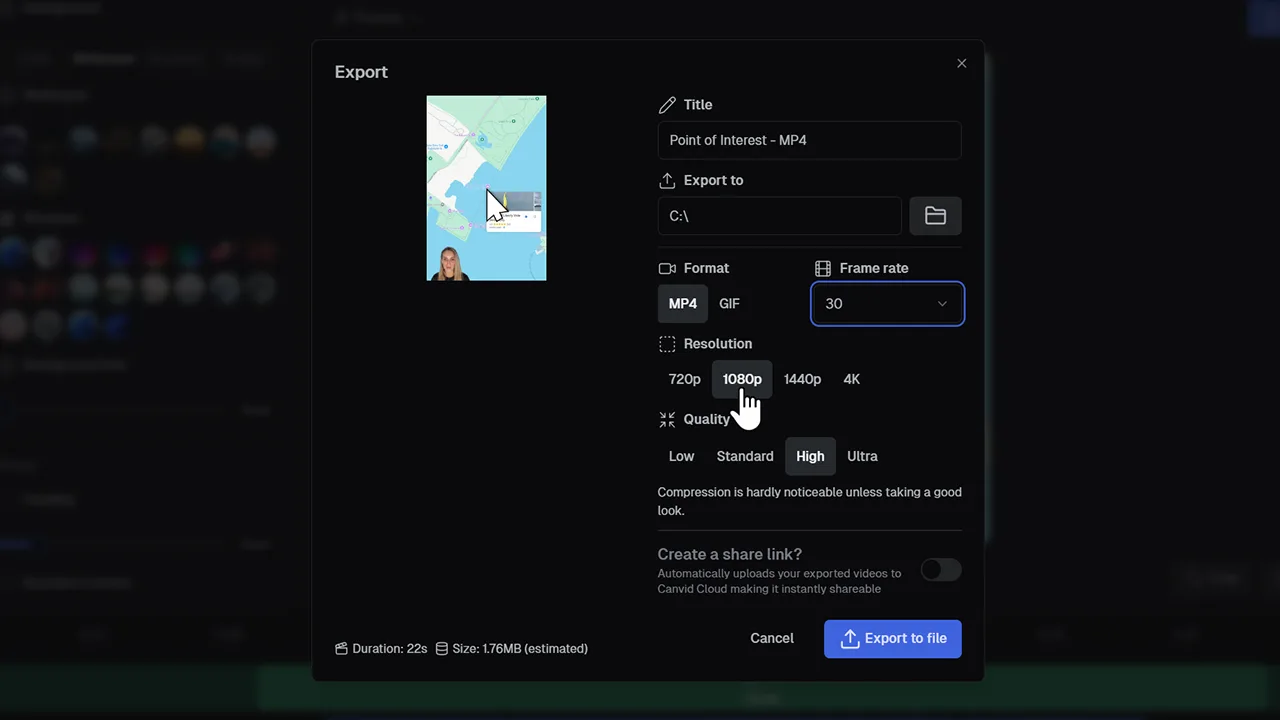
Only slightly. Cropping reduces the visible area of the video, but you can still export in HD or 4K based on your settings.
Yes, cropping is applied to the entire project.
Definitely. You’ll see the cropped frame live in the editor so you know exactly how your video will look before you hit export.
Explore More Features