Quick Share
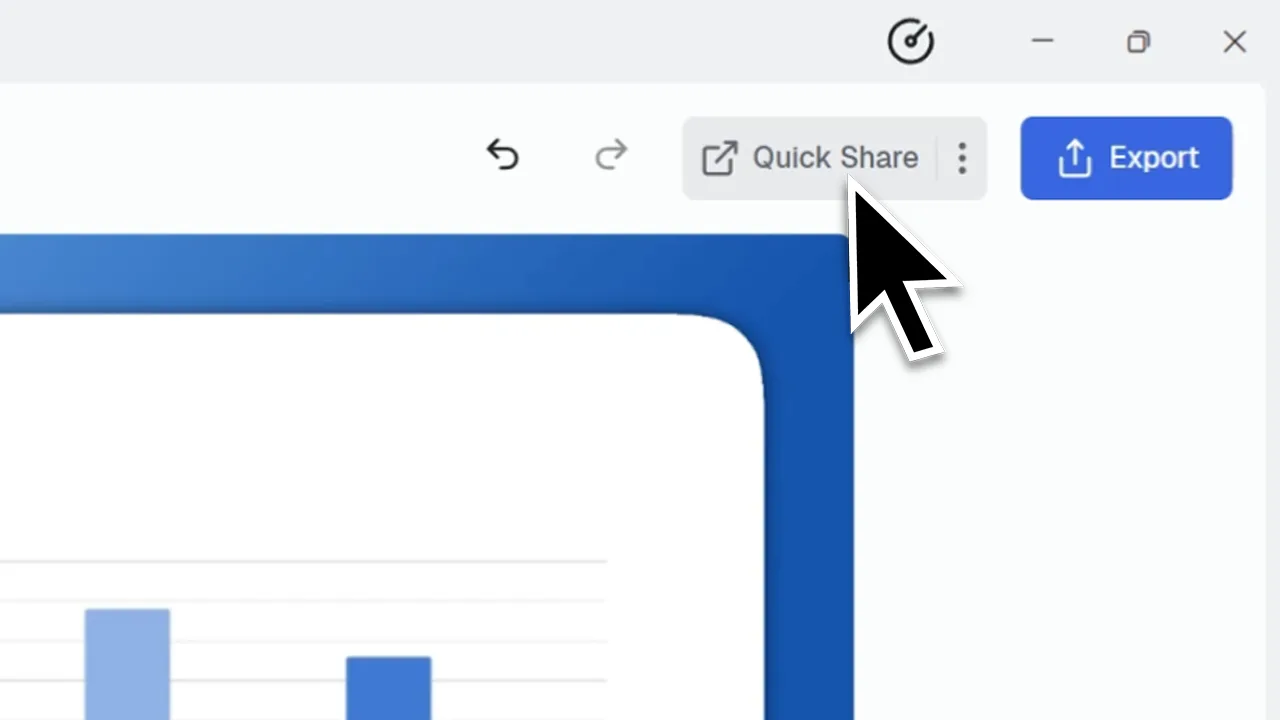
The fastest way to share a screen recording.
Quick Share is CANVID's one‑click share feature that uploads your screen recording to CANVID Cloud and instantly generates a shareable video link. It’s built for fast sharing without the hassle of MP4 files.
Quick Share saves time and makes sharing simple. With just one click, you can create a video link to share through Slack, X, LinkedIn, email, or chat.
Frequently Asked Questions
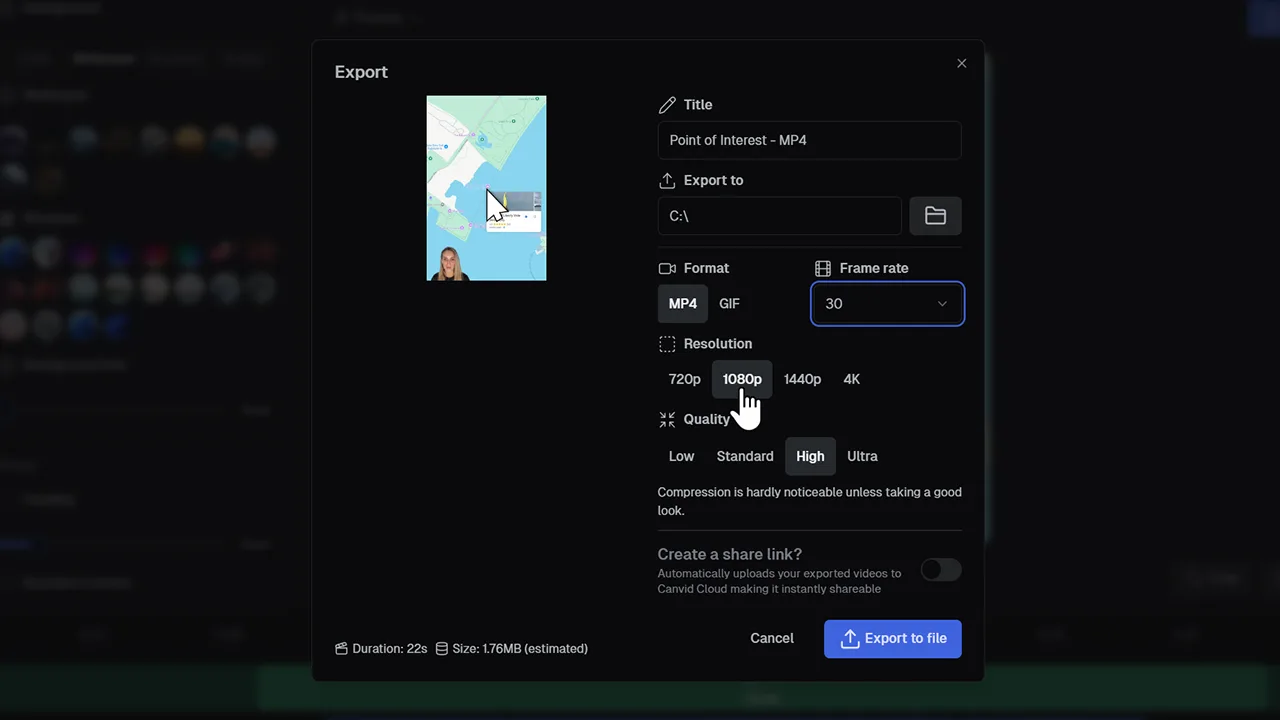
No, Quick Share uploads your screen recording directly to the cloud and gives you a shareable video link. If you need a local file, use the “Create a Share Link” option under the Export button instead.
Yes. The generated link is private and view-only by default, so only people with the link can access your recording.
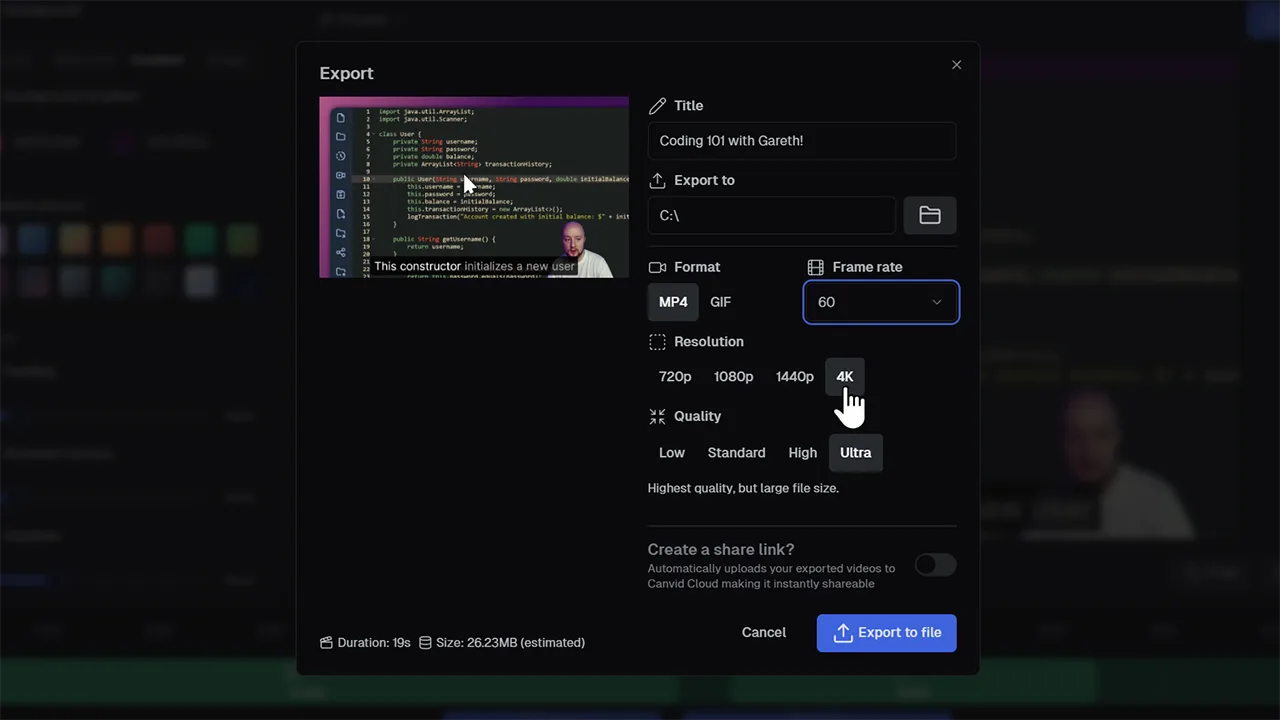
Yes. Click the gear icon next to Quick Share to choose Draft, Standard, or Custom settings for resolution, framerate, and quality.