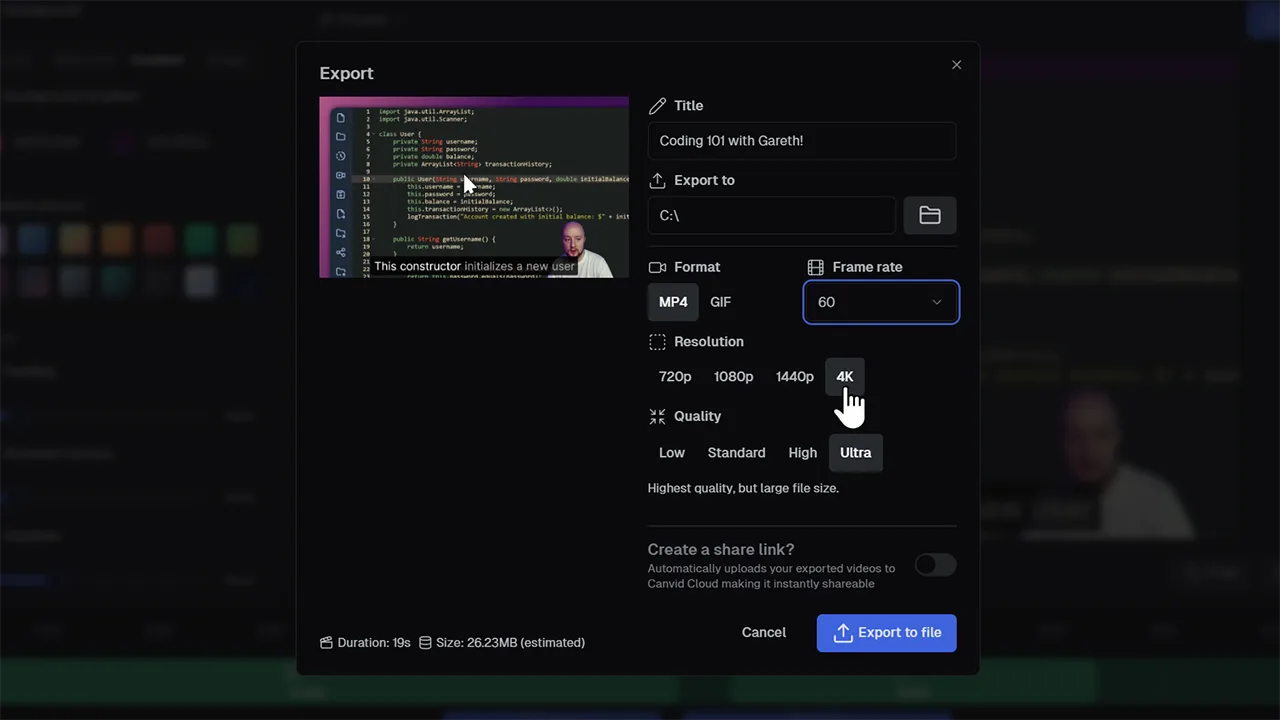
Export 4K 60FPS
Experience cinematic-quality 4K video
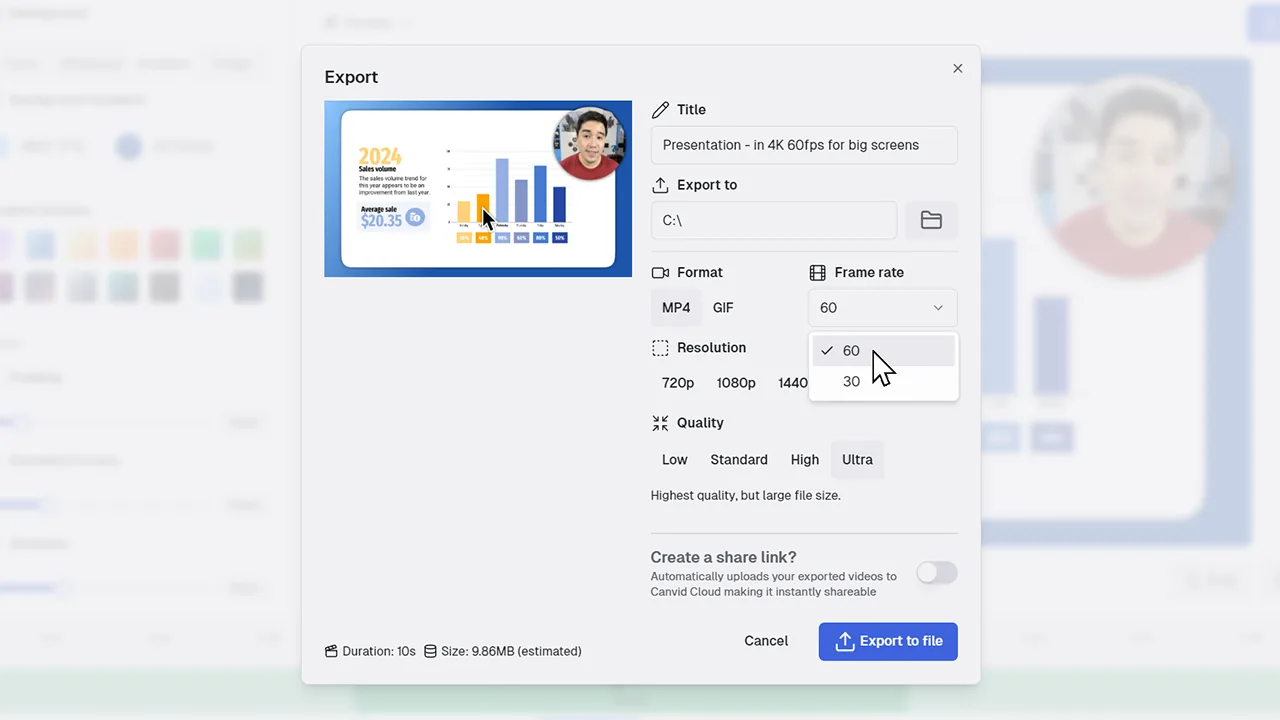
With support for 4K resolution and 60fps exports, CANVID ensures your screen recordings are high quality and ready for modern displays. Ideal for creators, educators, and pros who need top-tier output.
Exporting in 4K 60fps elevates your videos to professional standards. Better resolution makes colors richer and details crisper, while higher frame rate ensures silky-smooth playback. It’s ideal for YouTube creators, design walkthroughs, tutorials, and high-impact presentations.
Frequently Asked Questions
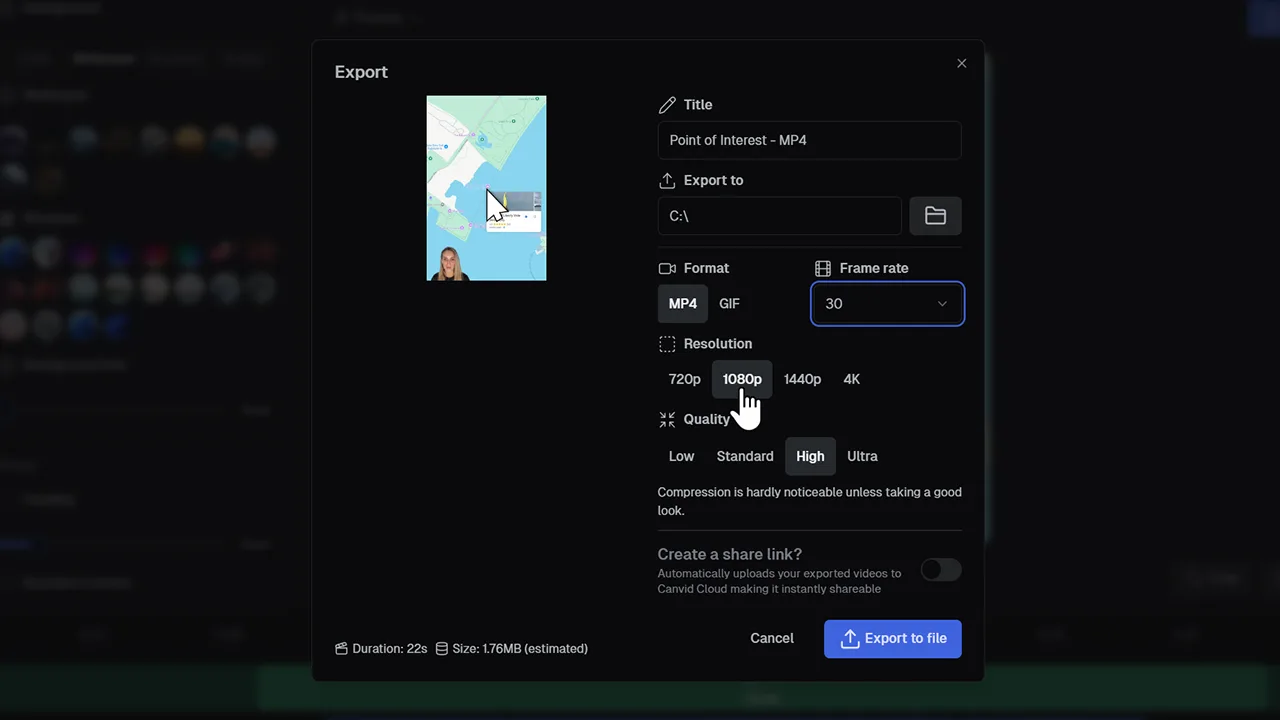
In CANVID, open the Export panel and choose 4K resolution with 60 fps as your frame rate. This works on both Mac and Windows with no extra setup needed.
Yes. Videos exported at 4K and 60fps will most certainly be larger, especially when compared to 1080p or 30fps. If you plan to upload to YouTube or use cloud storage, just keep file size in mind.
Not necessarily. CANVID is optimized for modern Windows PCs and Macs, but export time will vary depending on your system’s hardware and specs.
Rendering at 4K 60fps takes longer than lower resolutions or frame rates. Export times vary based on your computer’s performance, but CANVID is optimized to work efficiently on modern systems.