Screen + Webcam Recording, Together
Be seen and heard with built-in webcam recording
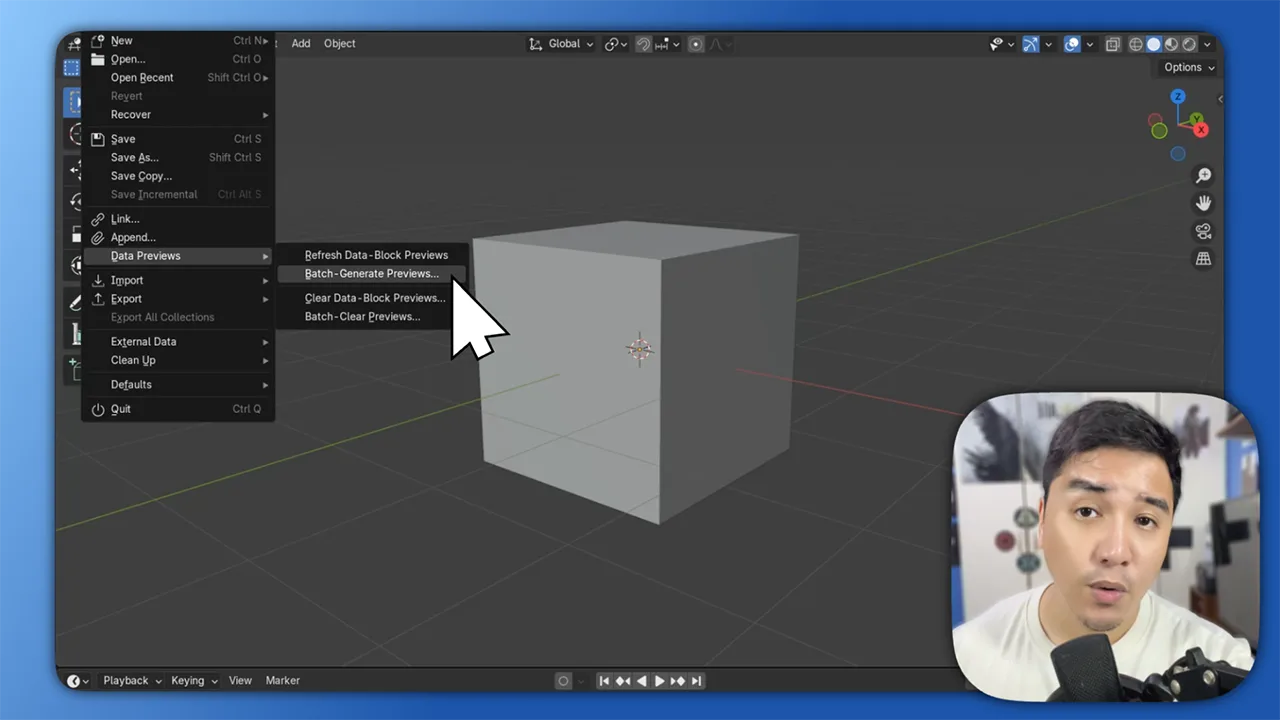
This feature lets you record your screen and webcam at the same time. Once you start recording, your webcam feed appears live in a movable bubble, ready to position wherever you want. You can adjust the size, shape, and layout in the editor afterward.
Adding your camera helps build trust, boost clarity, and keep your audience engaged. It’s perfect for walkthroughs, product videos, and YouTube tutorials where you want to show both your work and your reactions in real time.
Frequently Asked Questions
Yes. Just enable the camera before starting your recording. CANVID will capture both video sources together.
It does. You can record your screen and webcam on both macOS and Windows without any plugins or additional setup.
Not during the recording, but you can adjust the position, size, and shape afterward in the editor.
Yes. Whatever webcam layout you finalize in the editor will be included in your exported MP4 or GIF.