Customize Your Camera Exactly How You Want
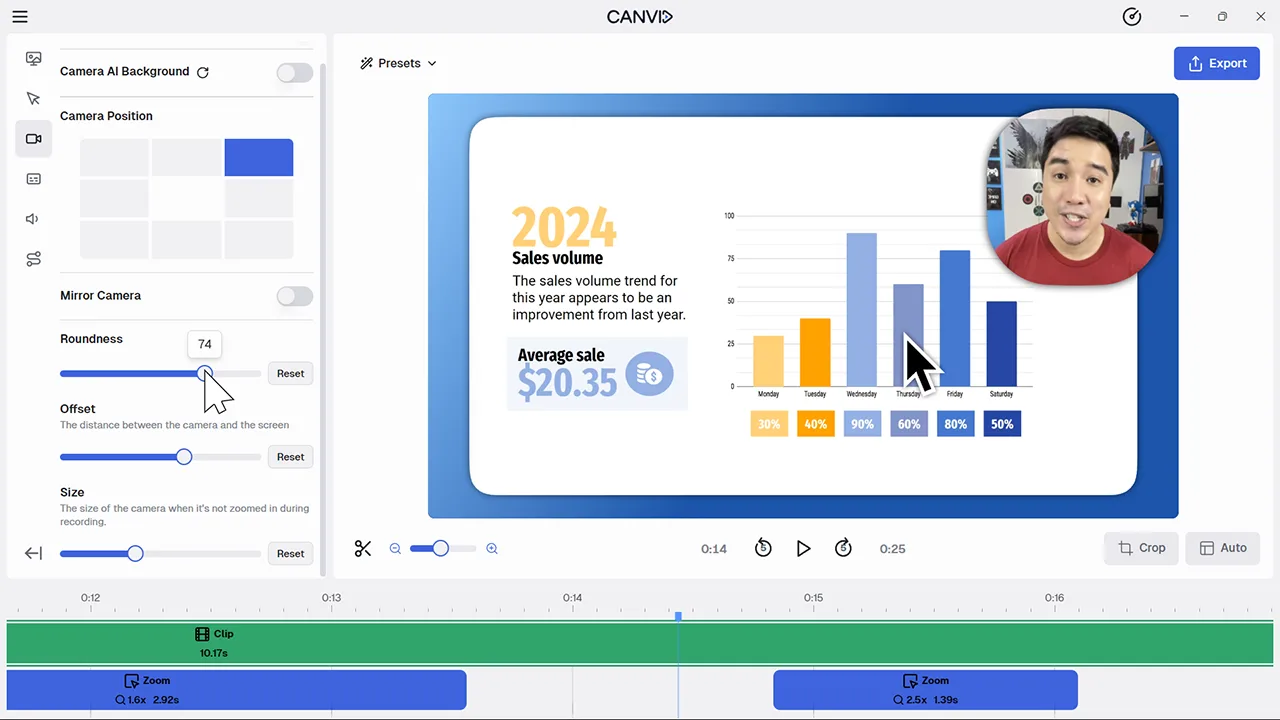
Clean, polished webcam styling made easy
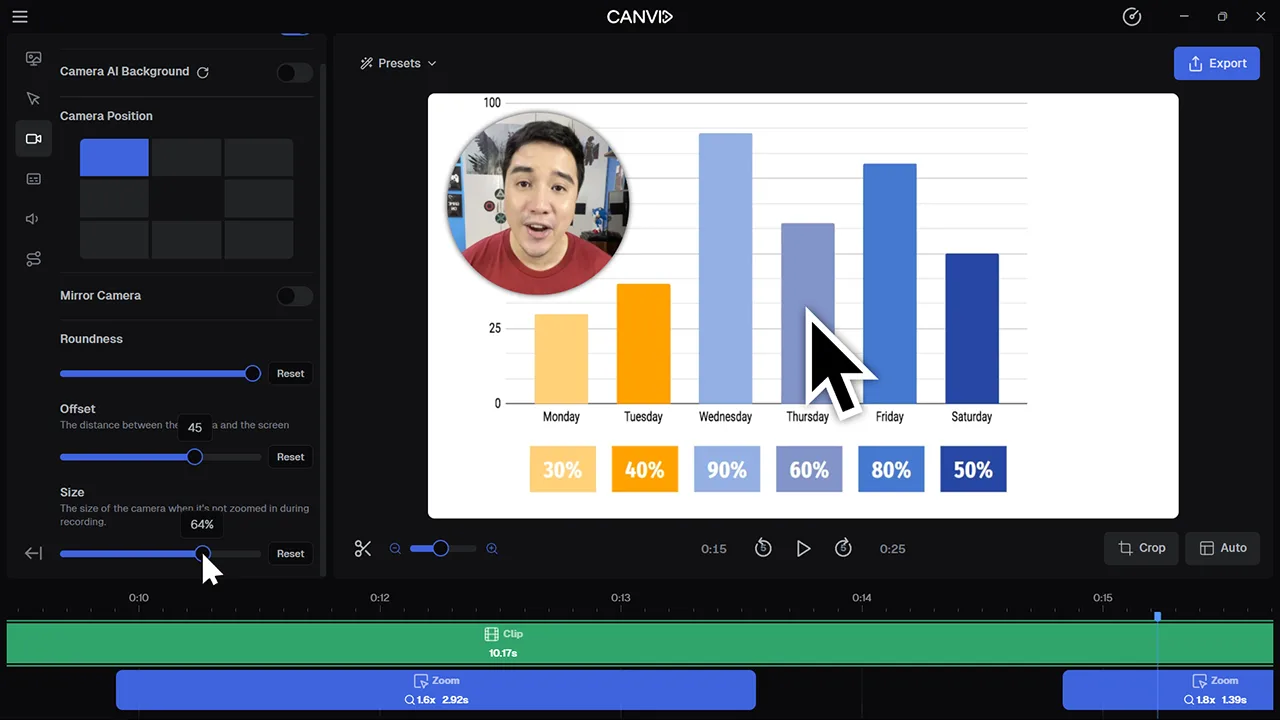
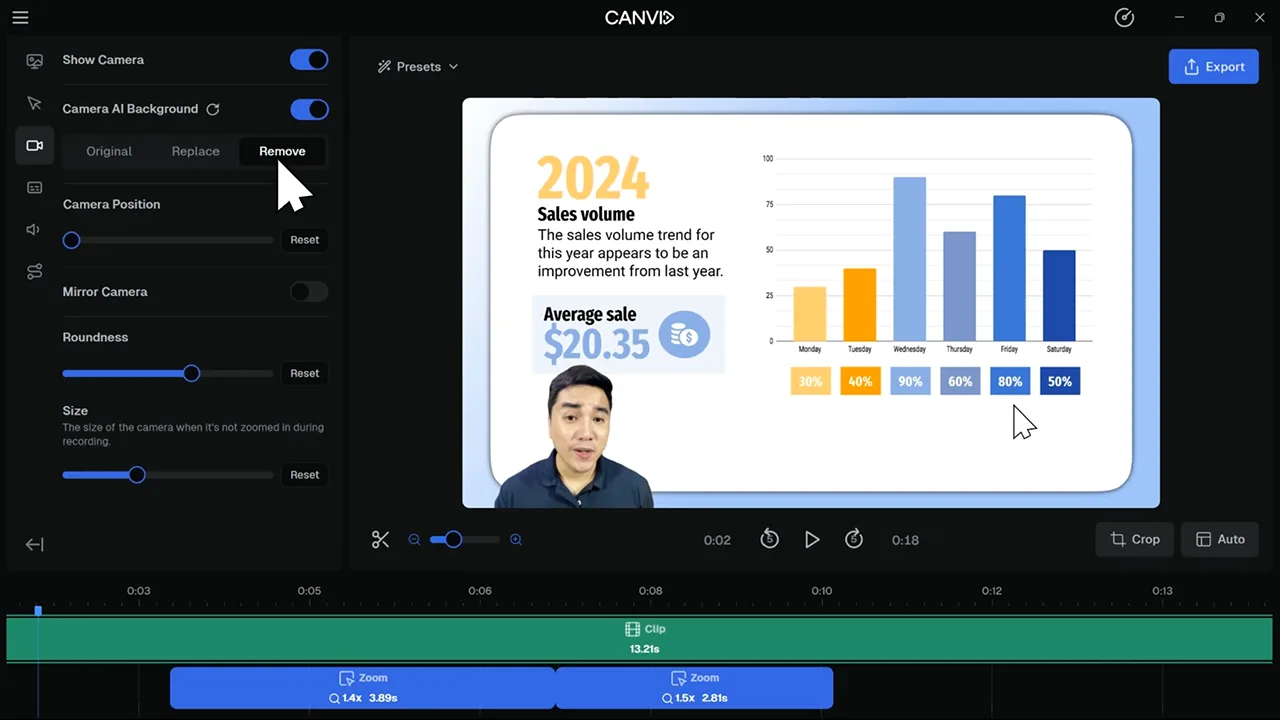
Camera Customization lets you tweak the look and feel of your webcam overlay. You can change the camera position, how rounded it appears, how far it sits from the edge of the screen, and its overall size. Whether you want a subtle circular avatar or a more traditional rectangular frame, you’re in full control.
A well-placed camera can elevate the clarity of your screen recording. By customizing how your webcam appears, you ensure it never blocks important content or pulls focus at the wrong time. It’s a small tweak that makes your video look more professional and intentional.
Frequently Asked Questions
Yes. You can adjust the roundness to go from square to circle or anywhere in between, giving you a unique look that fits your style.
You can place your camera in any of the eight default grid positions and adjust the offset for finer control. However, when using the AI Camera Background removal feature, you'll be given a slider to move it's position along the bottom.
Not at all. You can make it large or small without affecting clarity. The size just changes how much screen space it takes up.
Yes. You can create a preset that remembers your camera size, shape, and position for future projects.