Captions
Improve clarity, accessibility, and reach
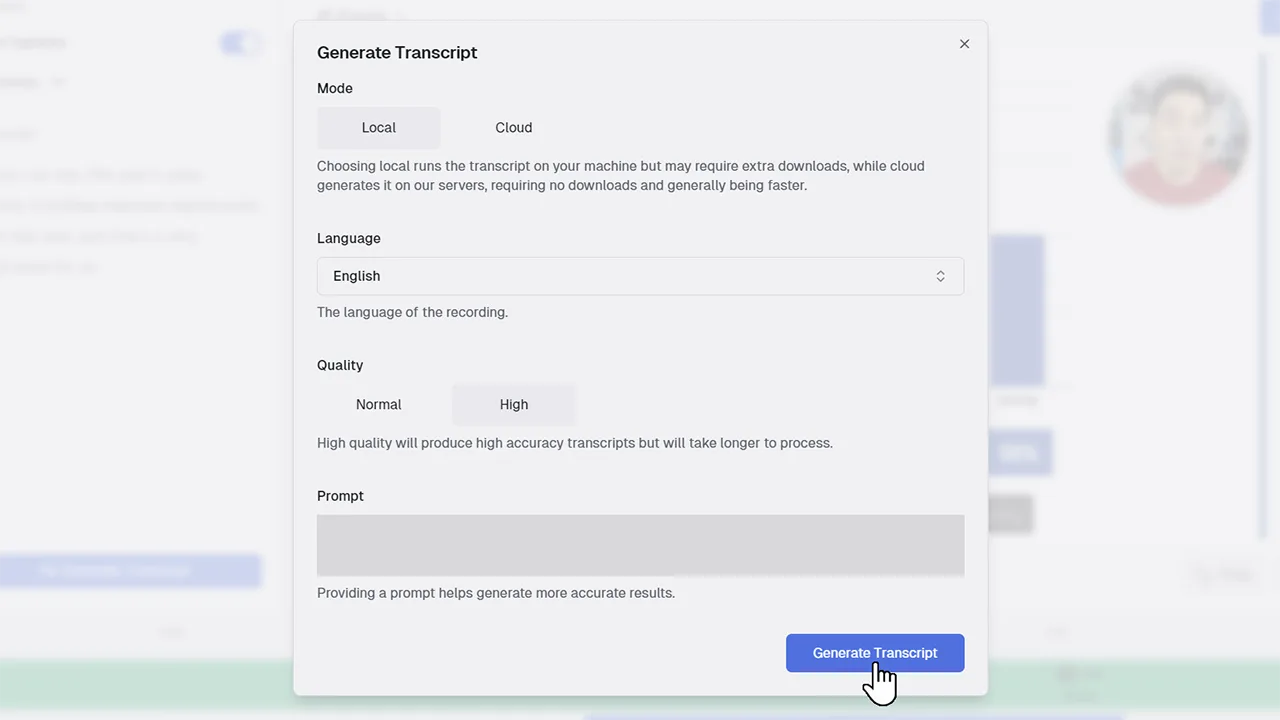
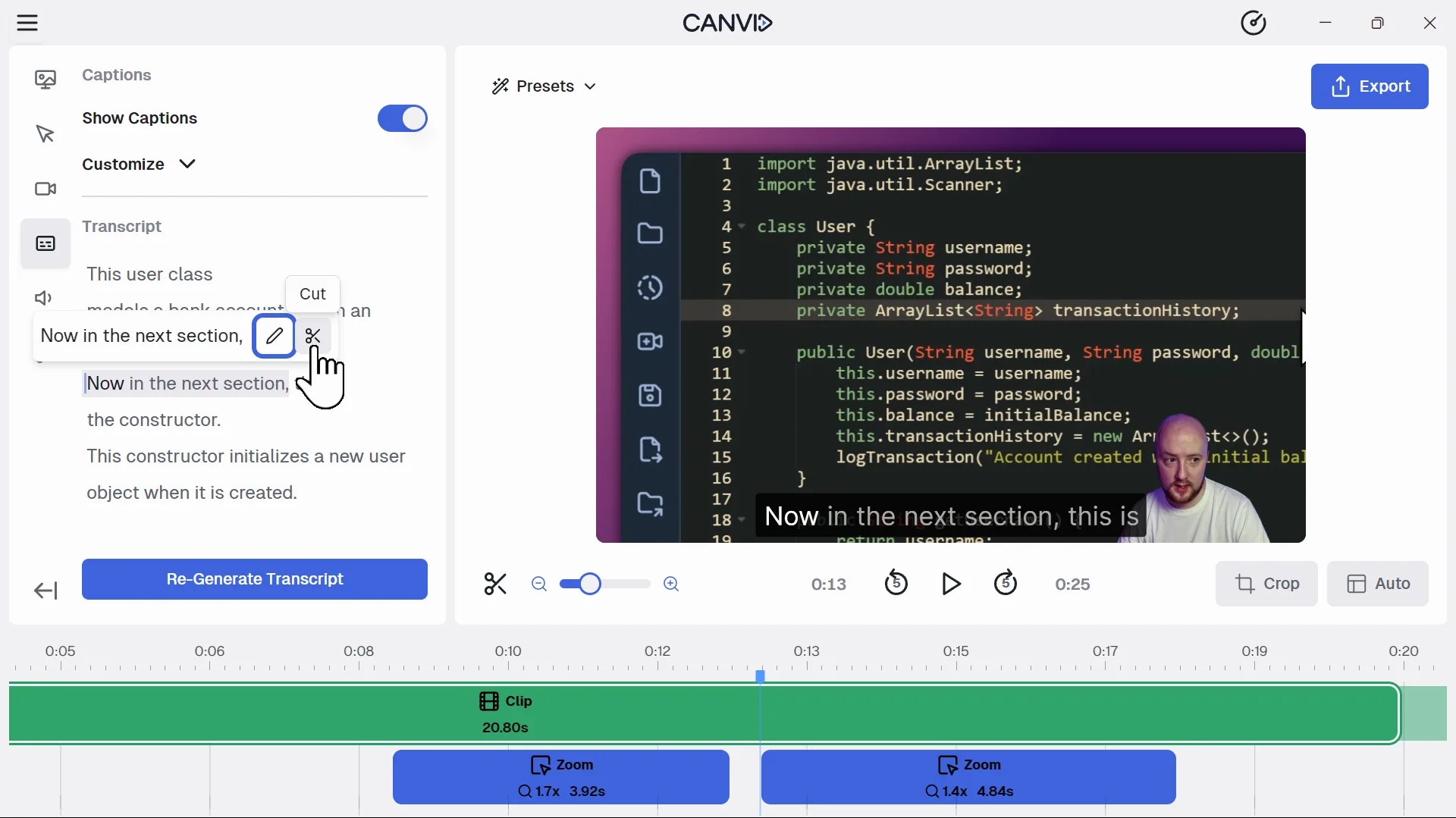
The Captions feature in CANVID lets you automatically add captions to your video using speech-to-text technology. Once your transcript is created, captions are generated and synced to your timeline. You can customize the appearance and choose when they show during playback.
Captions make your videos easier to understand, especially in quiet environments or for viewers watching without sound. They also improve accessibility and viewer retention. With CANVID, you can auto generate captions for your video in seconds and publish with confidence.
Frequently Asked Questions
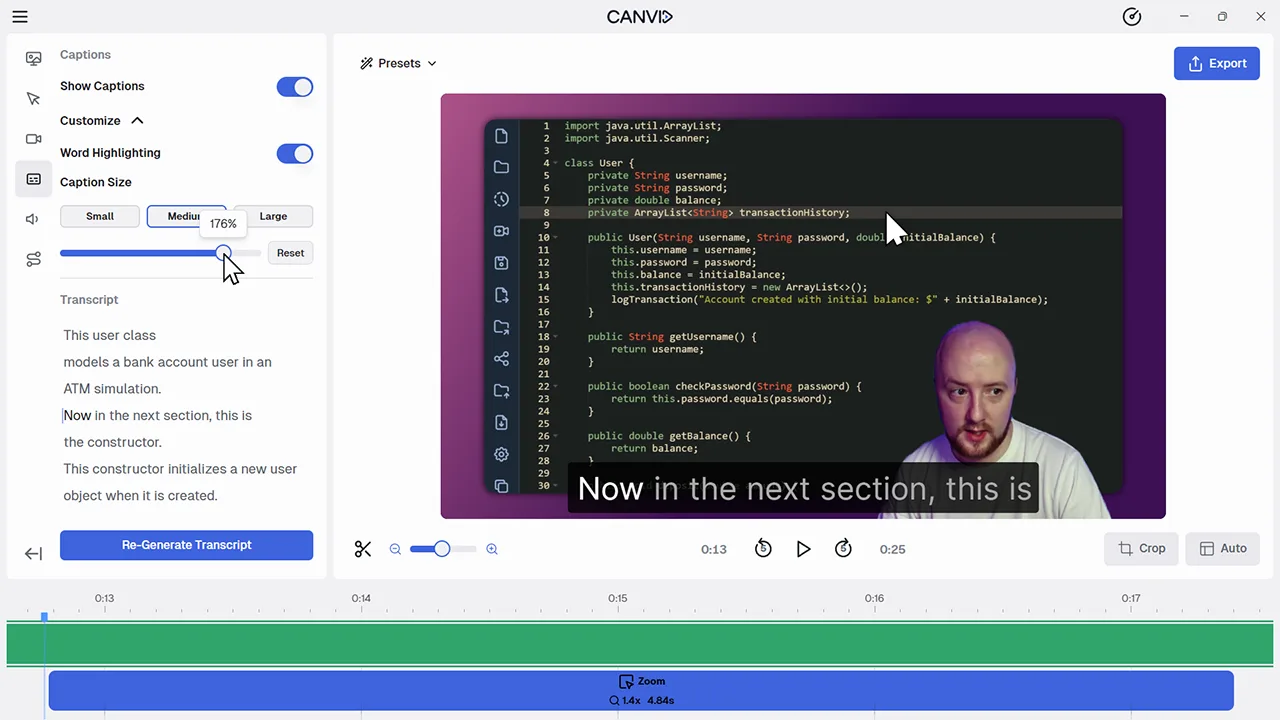
Start by generating a transcript. Once the transcript is ready, turn on "Show Captions" in the editor to instantly add synced captions to your video.
Yes. You can adjust the size of the captions to make them more visible or better suited to your layout, but other style options like font and color are not currently available.
Yes. If a word is incorrect, just update the transcript and the caption will update automatically.
You can choose whether to export captions as burned-in (hardcoded) or keep them optional depending on editor settings.