Cursor Smoothing
Make your mouse movements look smooth and polished in CANVID screen recordings.
The Cursor Smoothing feature in CANVID helps make your mouse movements look clean and polished in your screen recordings, making it perfect for studio-quality tutorials, demos, and walkthroughs.
What It Does
When enabled, Cursor Smoothing automatically:
- Reduces jittery movements
- Smooths out sharp or shaky cursor paths
- Adds a natural, professional flow to your mouse gestures
This is especially helpful when you're highlighting features or guiding viewers through a process.
How to Use
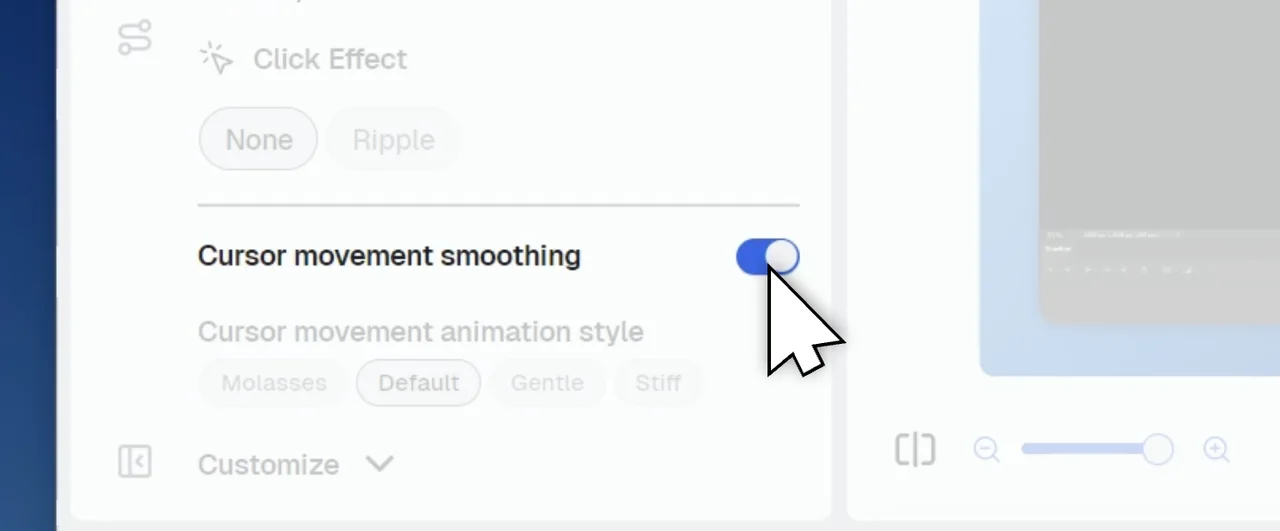
- Cursor Smoothing is enabled automatically for all new recordings.
- You can toggle it on or off anytime in the Cursor Editor.
See the Difference
Compare the two videos below to see how Cursor Smoothing improves the overall feel of your mouse movements.