Best screen recording for Software Bug Reporting
Screen recording for developers and QA teams to document bugs or issues in software applications.
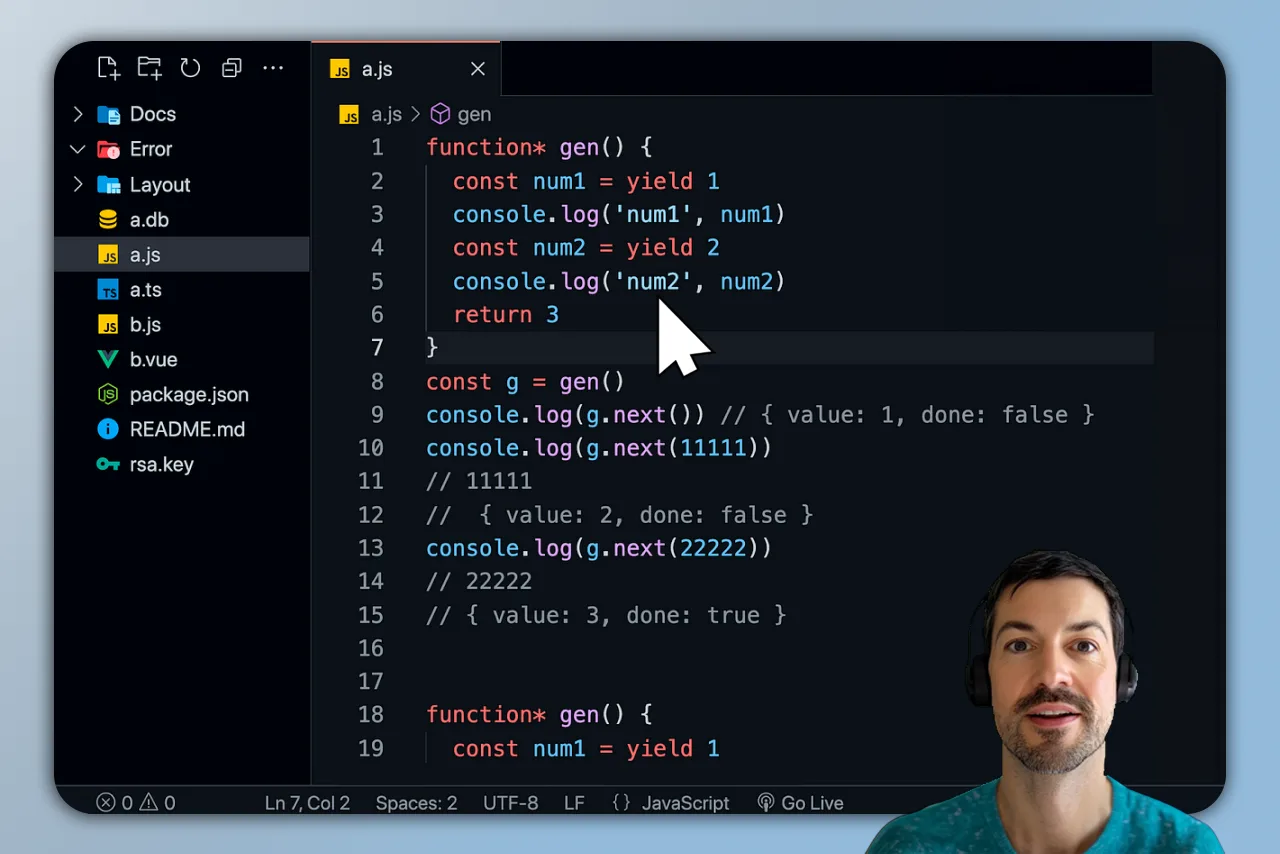
Simplify bug reporting with clear visuals and detailed features
01
Efficient Bug Reporting with Visual Clarity
Capture entire displays or specific application windows to report software bugs accurately, ensuring all the necessary details are highlighted.
02
Zoom and Annotation Features
Use zoom features and cursor tracking to emphasize key areas of interest, making it easier for developers to understand issues and provide fixes.
03
Flexible Recording Options
Pause, restart, or adjust your recordings to ensure you capture exactly what's needed, making bug reporting efficient and thorough.
04
Clear Audio and Webcam Integration
Record system audio along with webcam inputs to provide comprehensive bug reports, offering both visual and verbal insights.